

CDJ-800MK2
Before the gig: know this deck, bring your music on CD, and check the jog mode.
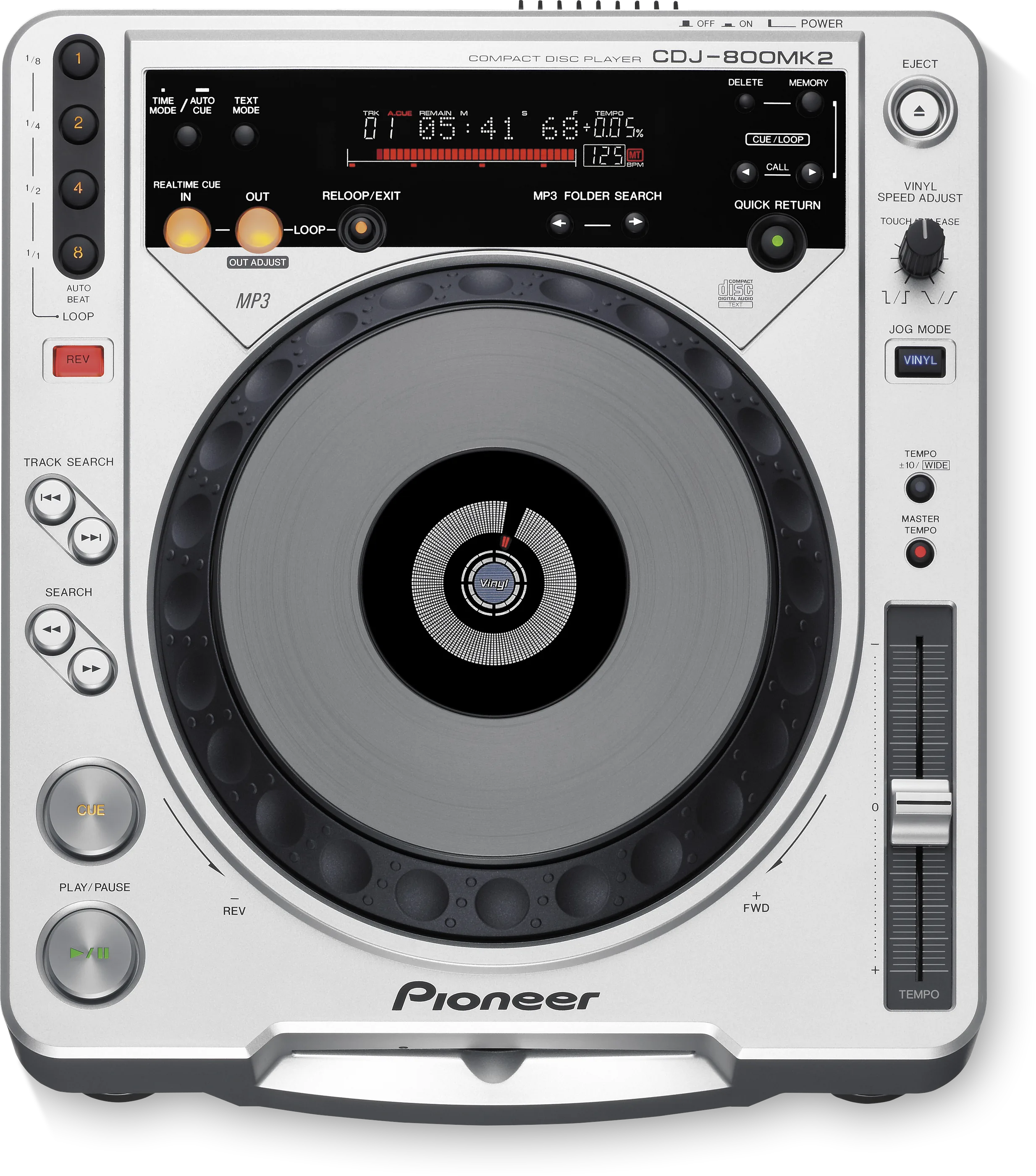
- Released
- 2006
- Width
- 30.5 cm · 12 in
- Depth
- 34.4 cm · 13.5 in
- Height
- 10.9 cm · 4.3 in
- Weight
- 4 kg · 8.8 lb
Know the deckbefore you pack
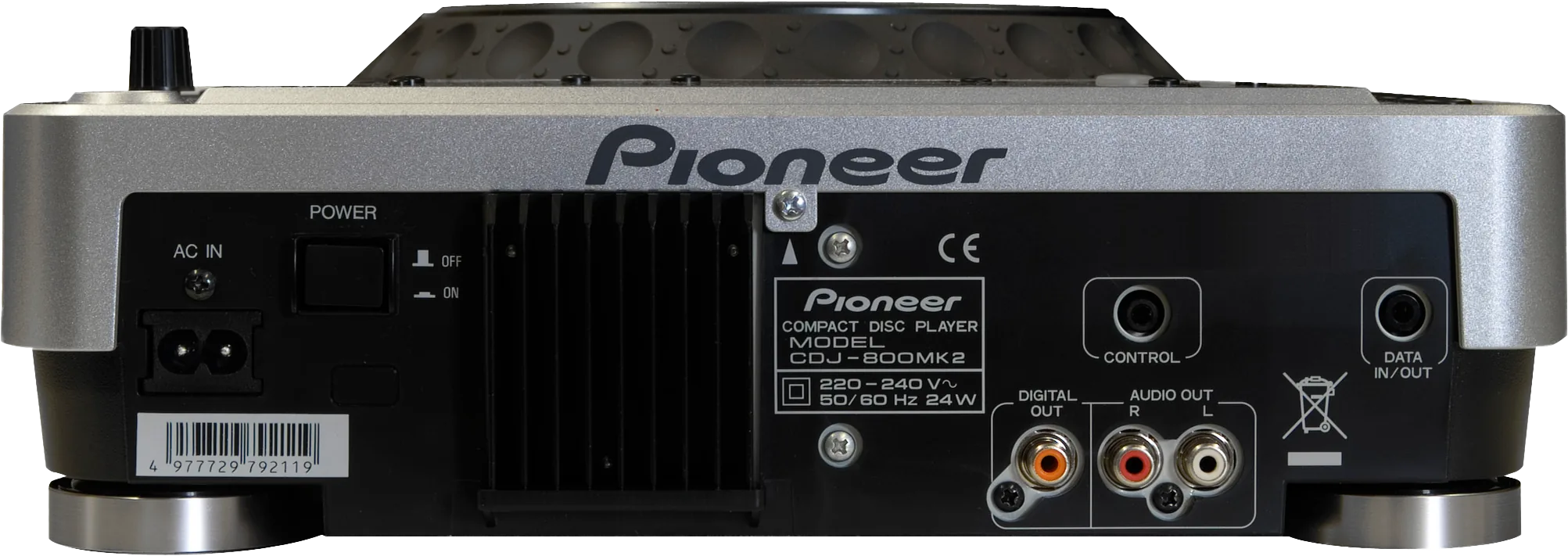
Connectionson the back
Five things that can affect your gig
1No USB. Bring audio CDs, finalised CD-R/RW, or MP3 on CD-ROM.
2Only the first session of a multi-session disc plays.
3MP3: 8 folder levels, 99 folders, 999 files per folder.
4Never push a disc back while EJECT is lit.
5Tempo ±10%, or WIDE: ±100% on CD, ±16% on MP3.
Also good to know
Hot loopAuto beat loop at 1, 2, 4 or 8 beats.
DataCue data copies from a CDJ-800, never back.
ColdAfter the cold, wait about an hour.
Based on the Save My Gig guide for this model and Pioneer DJ's own documents.