

CDJ-900
Before the gig: know this deck, check its firmware (the deck's software), and prepare your USB stick.
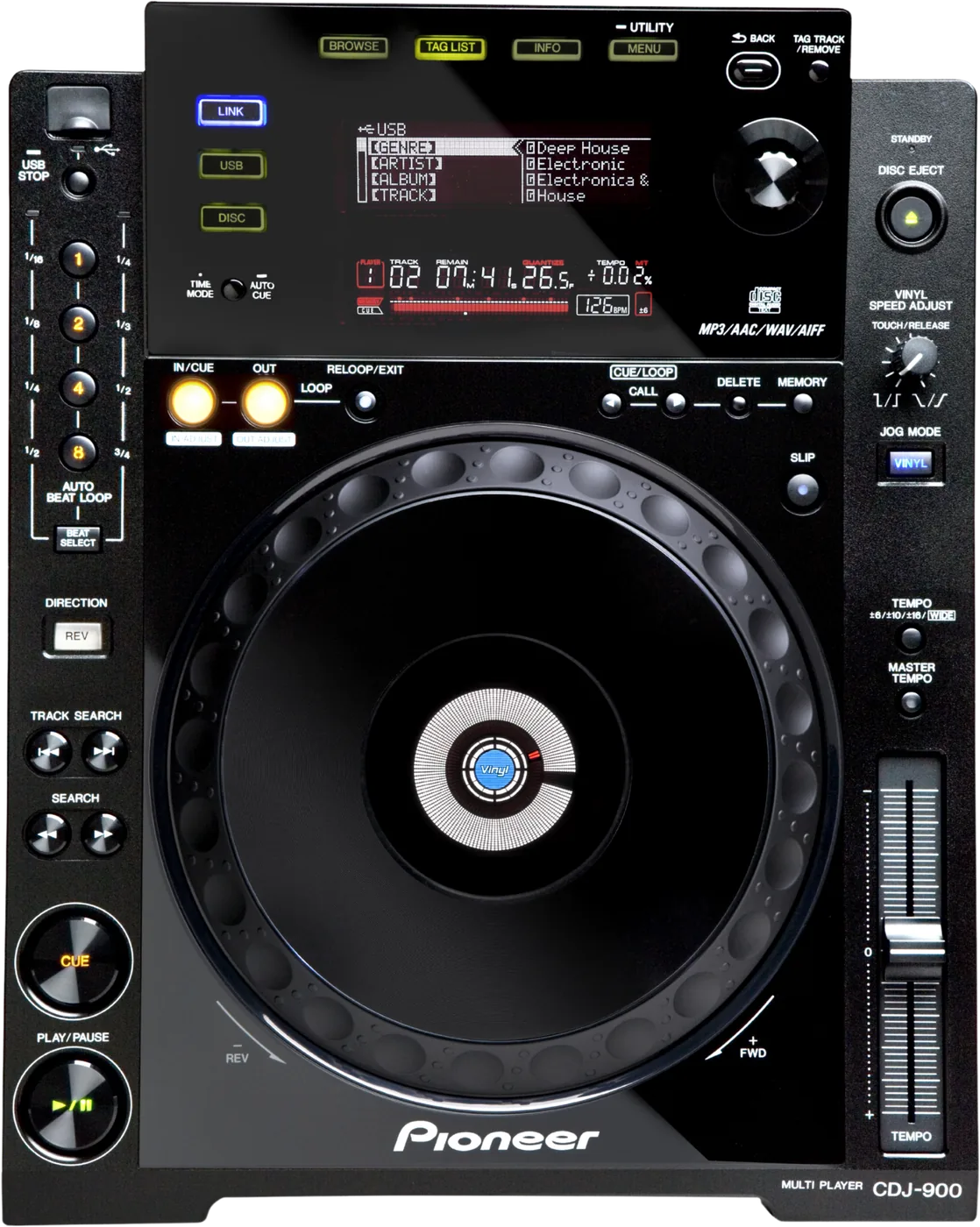
- Released
- 2009
- Width
- 30.5 cm · 12 in
- Depth
- 38.5 cm · 15.2 in
- Height
- 11.6 cm · 4.6 in
- Weight
- 3.9 kg · 8.6 lb
Know the deckbefore you pack
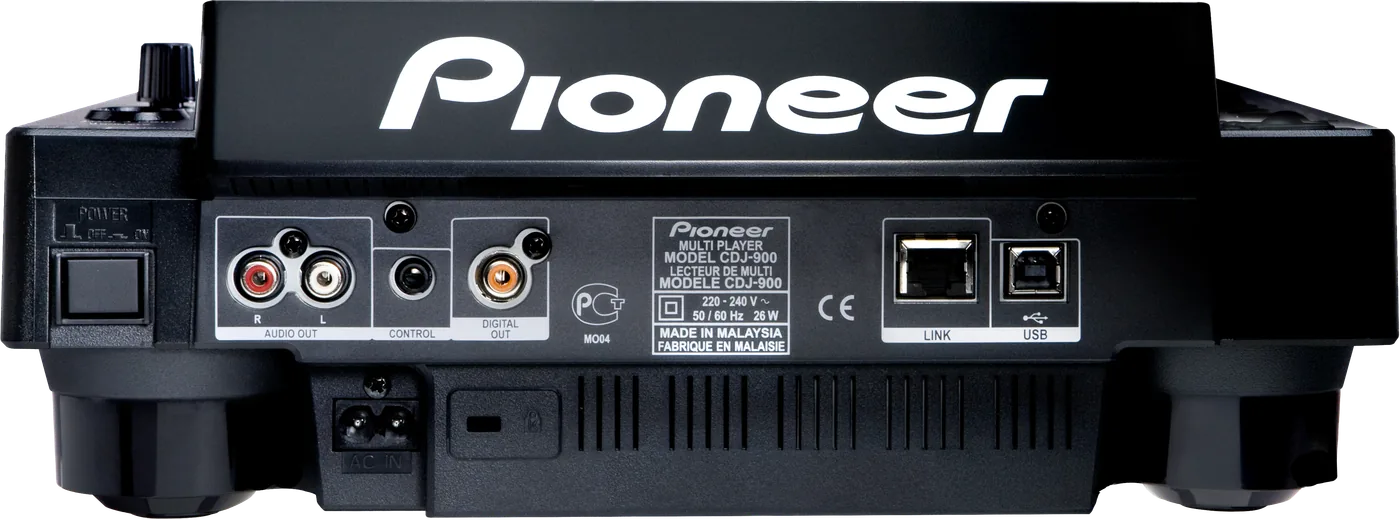
Connectionson the back
CAnalog audio outAUDIO OUT, left and right
DCONTROLMini jack, for fader start from a mixer
EDigital audio outOne DIGITAL OUT socket
FLINKOne network socket (PRO DJ LINK)
GUSB to computerOne USB socket, for a computer
Five things that can affect your gig
1No exFAT. Most sticks over 32 GB arrive exFAT. Format FAT32 (or HFS+ on a Mac).
2One partition. A stick with several may not be recognised.
3Press USB STOP for 2 seconds before you pull the stick. Pulled too soon, it can become unreadable.
4HISTORY keeps 999 tracks. The 1,000th deletes the oldest: the start of your night.
5Cold van, warm room: leave it 1 to 2 hours before you power on.
Also good to know
FirmwareThe last version is 4.32, April 2014. 4.11 fixed a USB 3.0 stick fault.
StandbyOff after 4 hours idle with nothing loaded. AUTO STANDBY in UTILITY.
SettingsWait 10 seconds after a change before you power off.
Cue pointsUp to 10 per track on a stick, 100 per disc.
Based on the Save My Gig guide for this model and Pioneer DJ's own documents.