

Xone:PX5
Before the gig: know this mixer, check each channel's source selector, and check the switches the last DJ left.
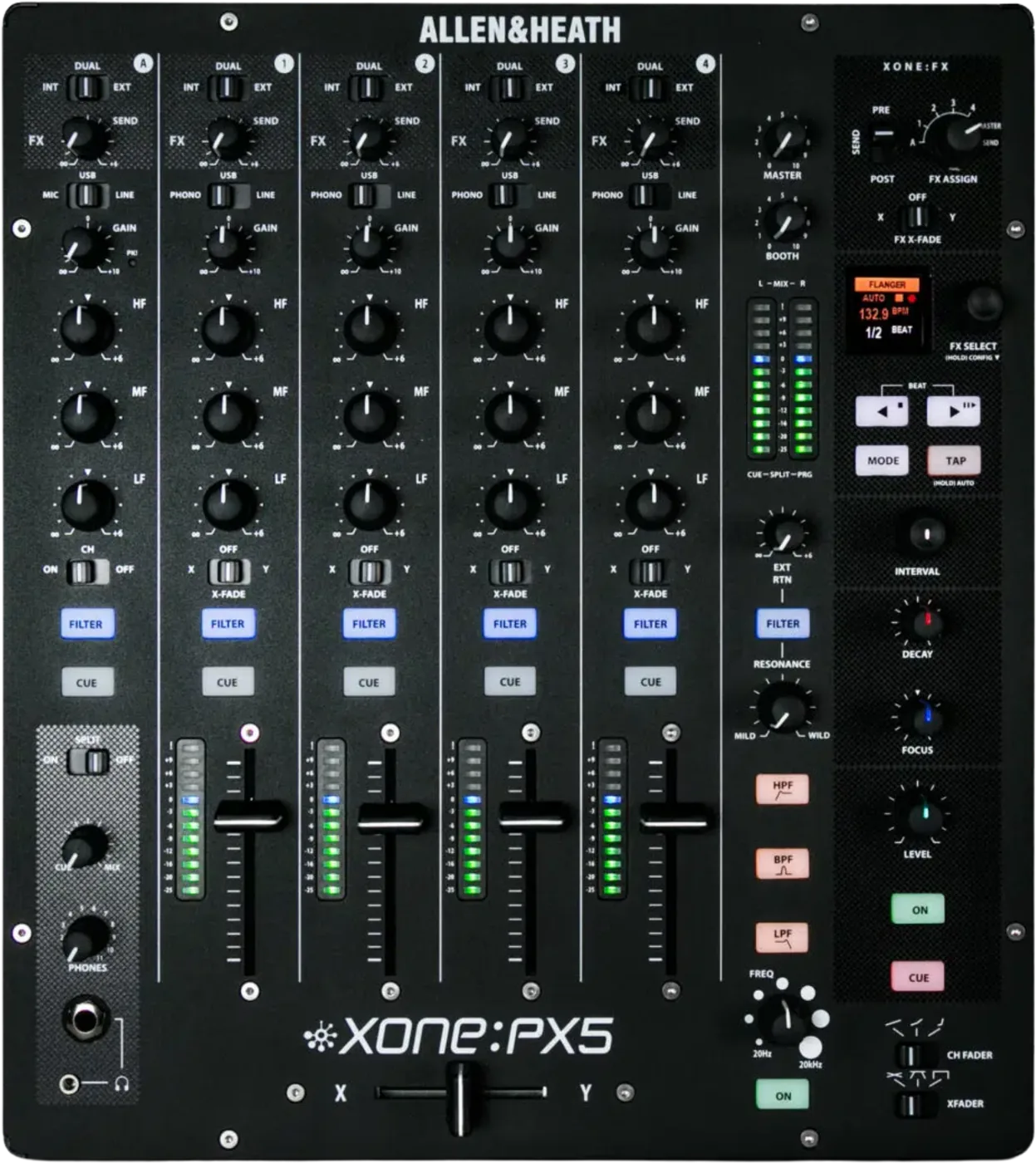
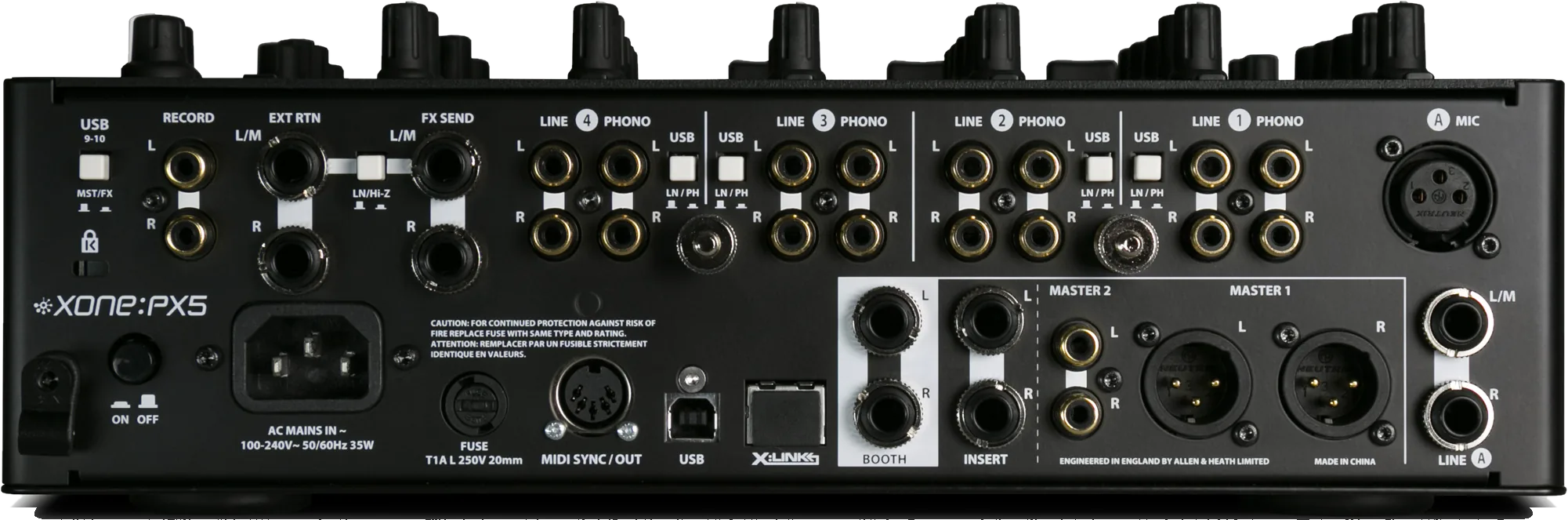
- Released
- 2016
- Width
- 32 cm · 12.6 in
- Depth
- 37.6 cm · 14.8 in
- Height
- 11 cm · 4.3 in
- Weight
- 5.2 kg · 11.5 lb
Know the mixerbefore you play
Connectionson the back
Five things that can affect your gig
1Timecode here is Traktor Scratch. Allen & Heath certify nothing else.
2Every channel picks PHONO, LINE or USB. A correctly patched channel can be silent.
3The mic input takes a low impedance dynamic. No condensers that need phantom power.
4Vanished effects are usually the assign or the loop, not the FX engine.
5There is no firmware. The Windows driver is not firmware.
Also good to know
Total KillA band fully down is removed, not just quieter.
MASTERIt moves the two master outputs only: not booth, record or meters.
X:LINKNever connect an Ethernet device to it.
Based on the Save My Gig guide for this model and Allen & Heath's own documents.