

DJM-850
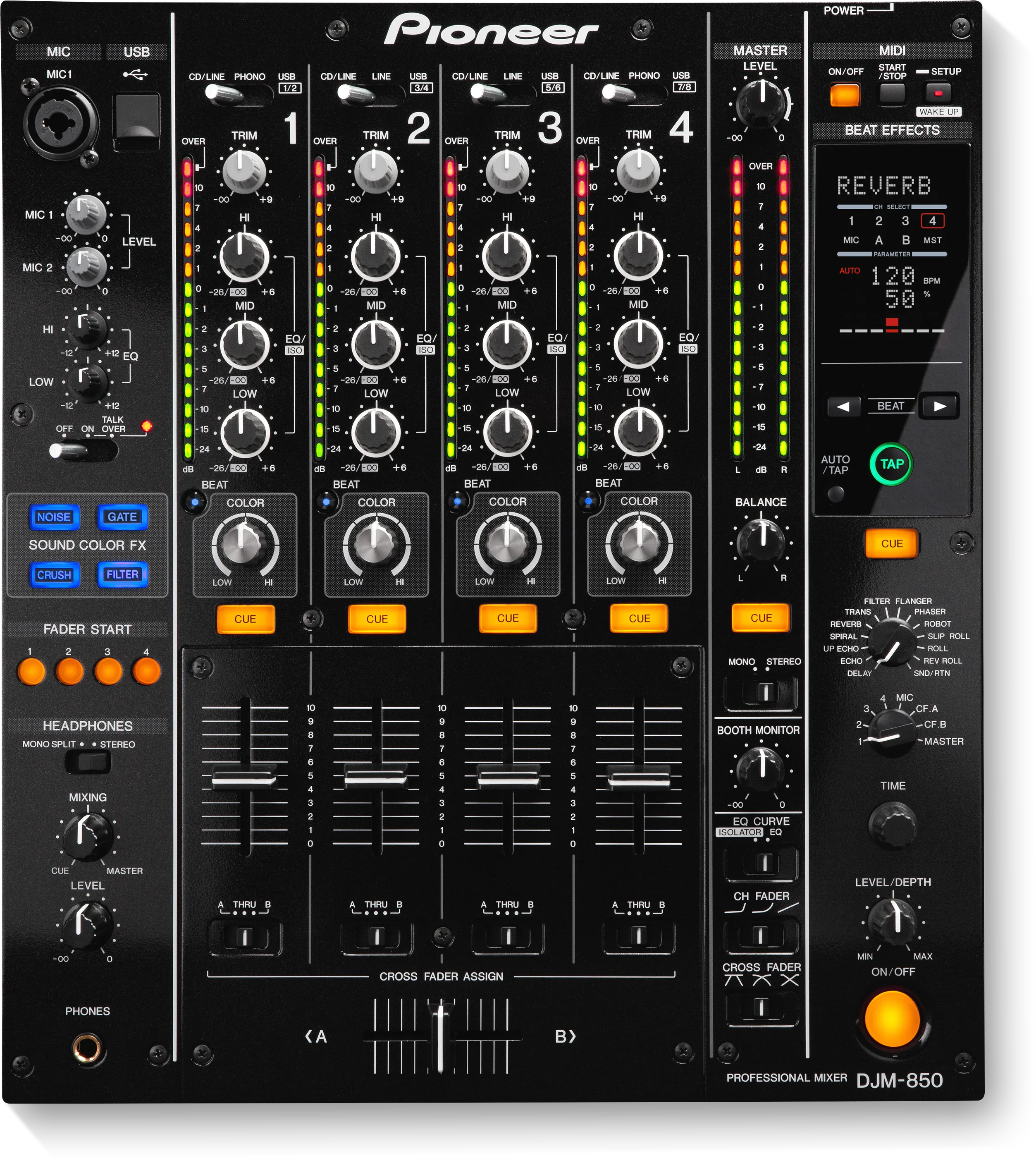
Before the gig: know this mixer, know what it cannot do, and check the settings the last DJ left.
- Released
- 2012
- Width
- 32 cm · 12.6 in
- Depth
- 38.1 cm · 15 in
- Height
- 10.8 cm · 4.3 in
- Weight
- 7.7 kg · 17 lb
Know the mixerbefore you play
ChannelsFour, and USB from a laptop on every one.
APhonesOne PHONES socket, on top, bottom left.
BMic, USBMIC 1 (XLR or jack) and the USB socket, on top.
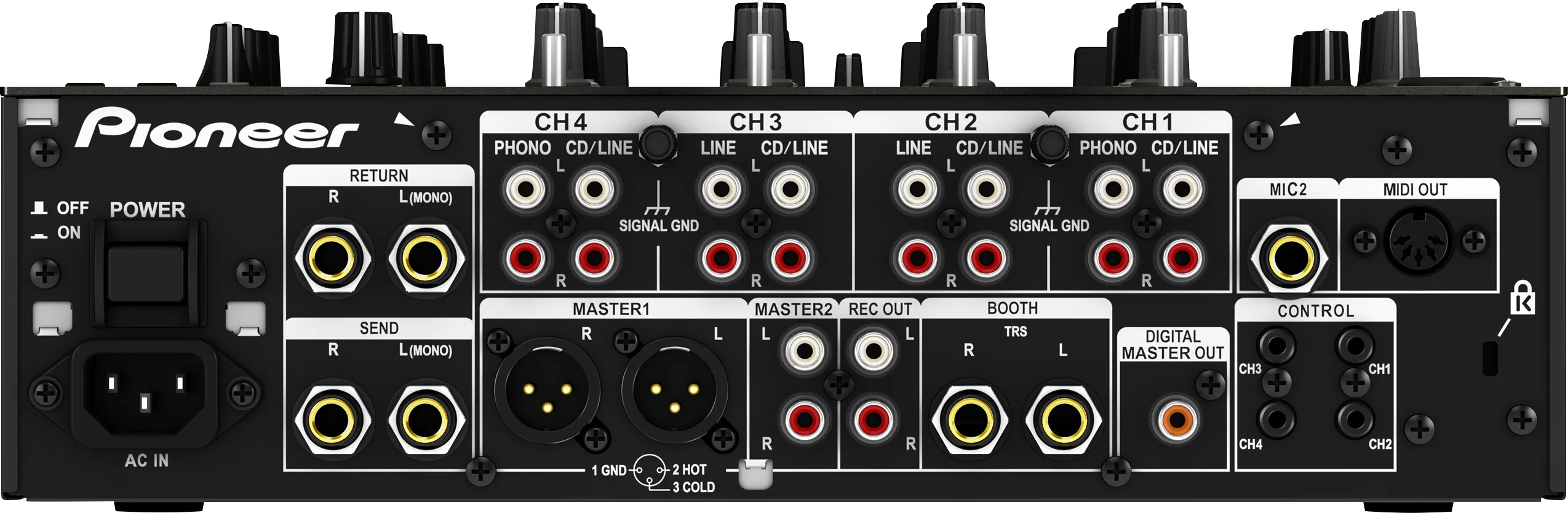
LINKNo PRO DJ LINK. There is no LAN socket.
Connectionson the back
Five things that can affect your gig
1No PRO DJ LINK. With CDJs it is a standalone mixer: no shared library, no linked BPM.
2The USB socket is a sound card, not a rekordbox control port.
3MASTER ATT. in CLUB SETUP can leave the master quiet or distorted. The panel does not show it.
4Fader start needs two settings: the panel button, and FADER START on ON in USER SETUP.
5Archived model. No firmware version is published. Nothing to update.
Also good to know
Effects4 SOUND COLOR FX and 13 BEAT EFFECTS.
TempoNo linked BPM. Use TAP for BEAT EFFECTS.
Depth38.1 cm deep, more than it is wide. Measure the shelf.
Based on the Save My Gig guide for this model and Pioneer DJ's own documents.