

SC6000M
Before the gig: know this deck, check its firmware (Engine OS), and prepare your USB stick.
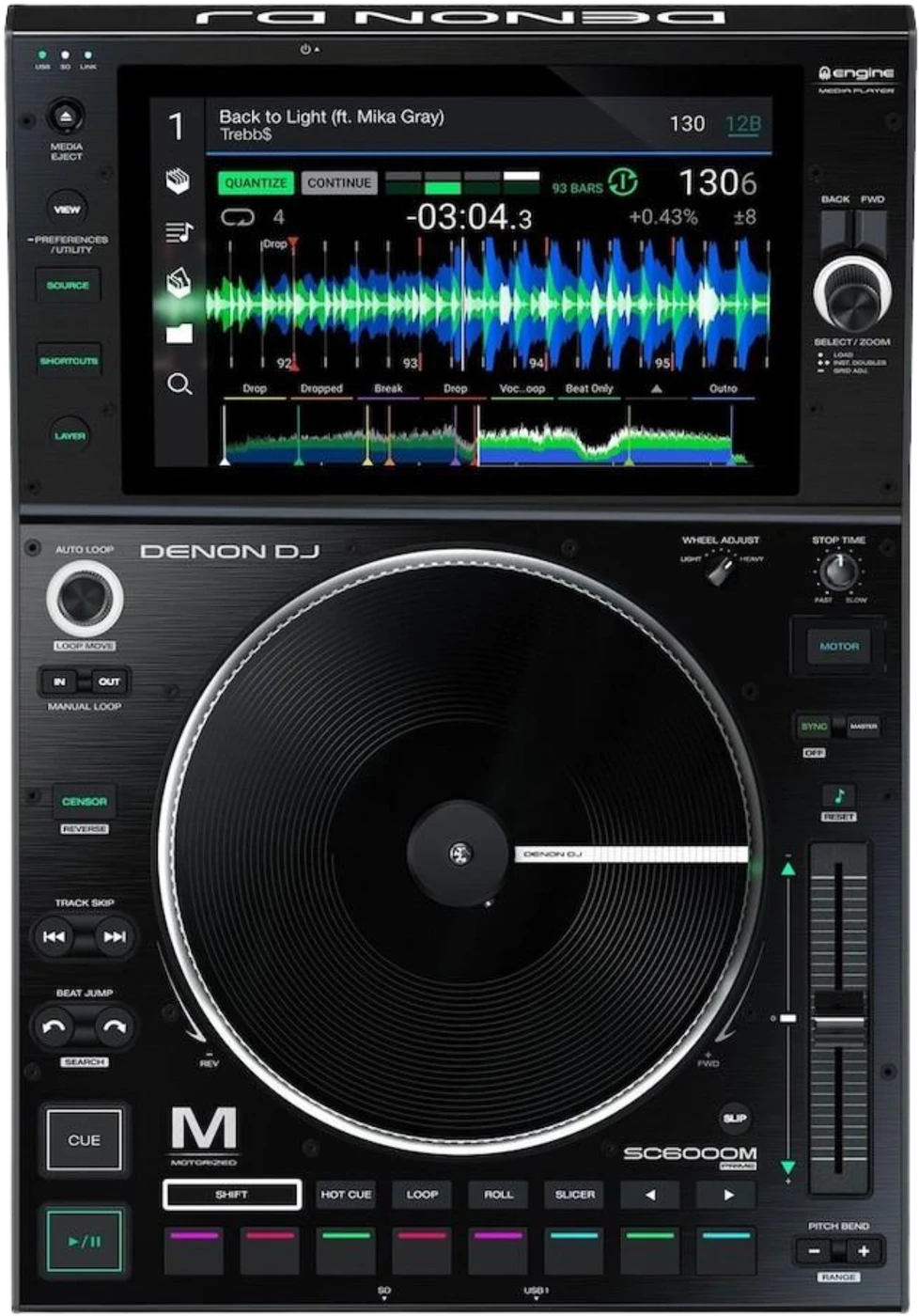
- Released
- 2020
- Width
- 32 cm · 12.6 in
- Depth
- 46.2 cm · 18.2 in
- Height
- 15.2 cm · 6 in
- Weight
- 7.08 kg · 15.6 lb
Know the deckbefore you pack
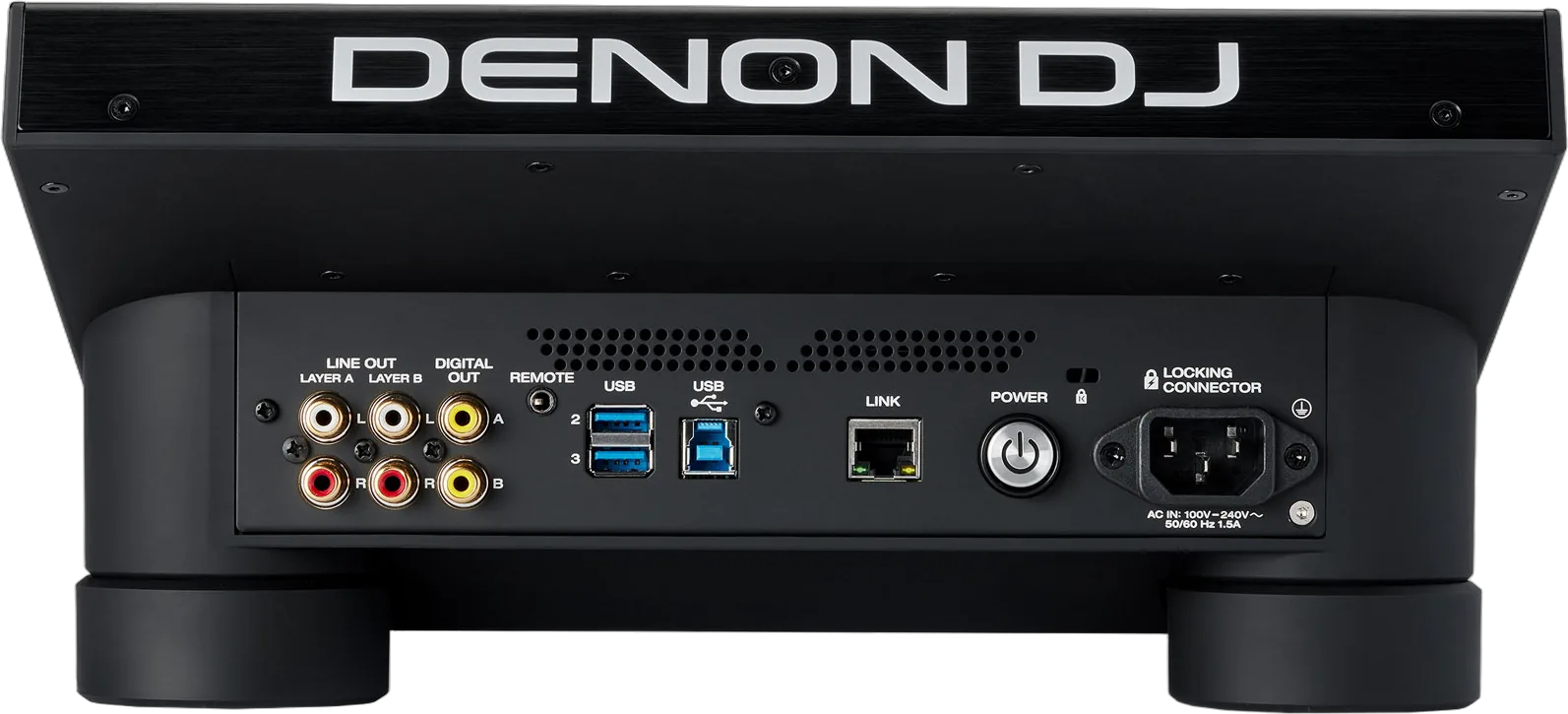
Connectionson the back
Five things that can affect your gig
1Two layers, two outputs. Check which mixer channel each layer reaches.
2Front USB 1 gives 500 mA. A hungry drive goes on the rear ports.
3exFAT is recommended. HFS+ needs Engine OS 2.4.0 or later.
4The sync lead sets the speed. Synced decks ignore their own pitch fader.
5Eject before you pull a drive: MEDIA EJECT, then the Eject icon.
Also good to know
PlatterMotorised. TORQUE ADJUST: NORMAL or HIGH.
LocksLock Playing Deck, Pad Lock, Needle Lock: Settings.
ResetHold POWER on the back for 10 seconds.
UpdatesDo not update Engine OS just before a gig.
Based on the Save My Gig guide for this model and Denon DJ's own documents.