

DJM-900SRT
Before the gig: know this mixer, install its driver, and check the settings the last DJ left.
- Released
- 2015
- Width
- 33.1 cm · 13 in
- Depth
- 40.4 cm · 15.9 in
- Height
- 10.8 cm · 4.2 in
- Weight
- 7.1 kg · 15.7 lb
Know the mixerbefore you play
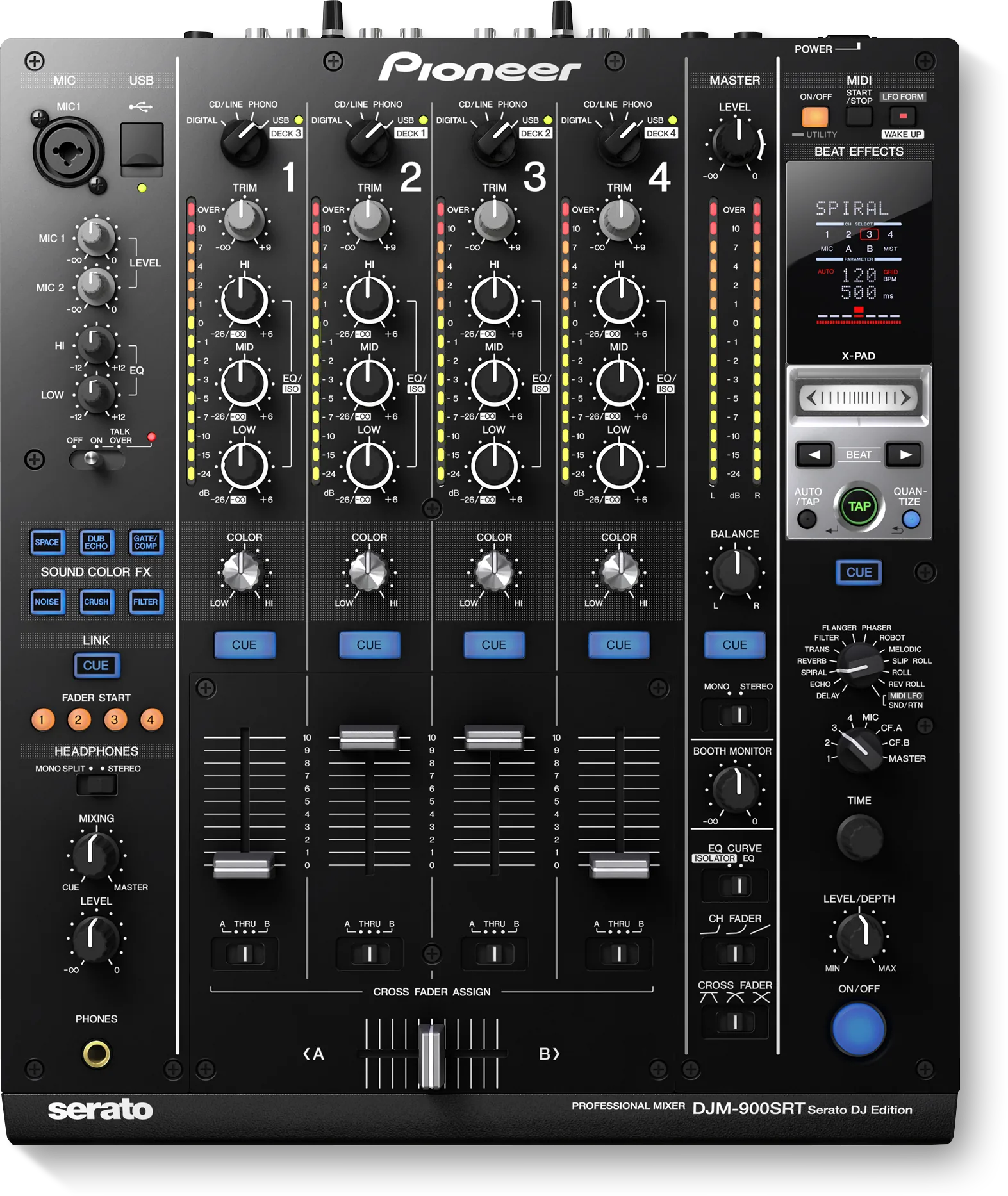
ChannelsFour, and USB from a laptop on every one.
AUSBSerato sound card. Serato DJ picks it automatically.
BPhonesOne 1/4 in jack, front left.
DVSControl vinyl and control CDs. Two CDs in the box.
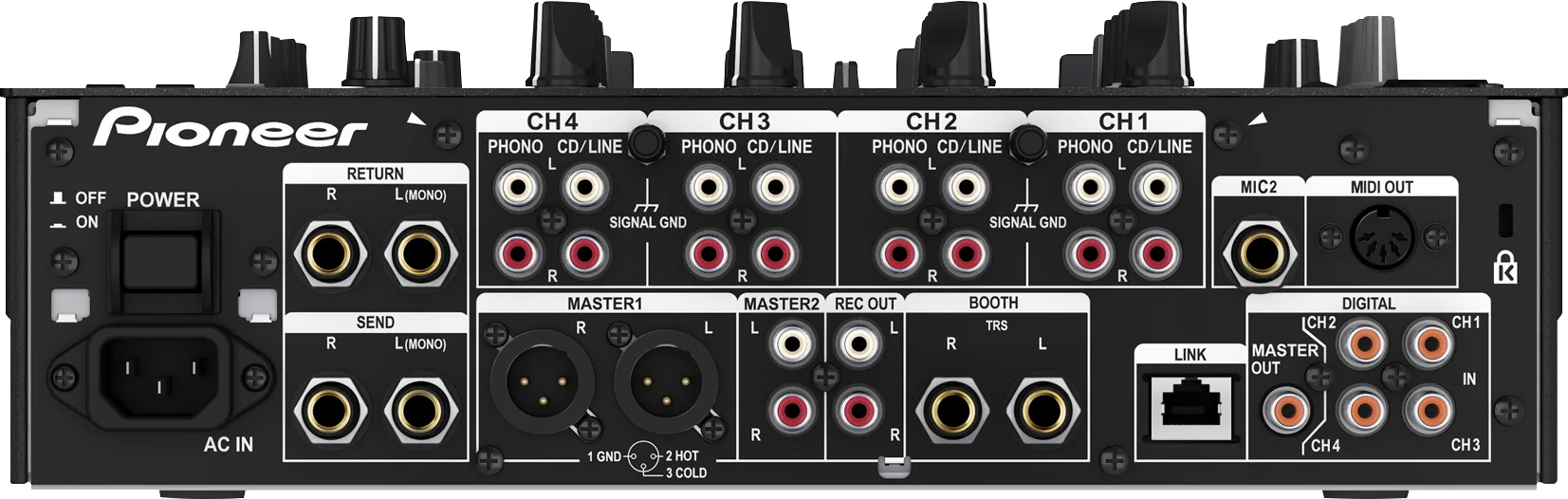
Connectionson the back
Five things that can affect your gig
1Install the driver before the gig. A Windows or Mac without it gets no sound.
2FADER START does not work in Absolute mode. The button flashes and goes out.
3The FADER START buttons are not in deck order: 1 is DECK 3, 2 is DECK 1, 3 is DECK 2, 4 is DECK 4.
4MASTER ATT. in USER SETUP can leave the master quiet.
5Two of these mixers on one computer are not guaranteed to work.
Also good to know
Effects6 SOUND COLOR FX and 13 BEAT EFFECTS.
DriverLast named: 1.1.1, December 2015.
DigitalSilent digital out: match the sampling rate in CLUB SETUP.
Based on the Save My Gig guide for this model and Pioneer DJ's own documents.