

XDJ-RR
Before the gig: know this unit, check its firmware (the unit's software), and prepare your USB stick.
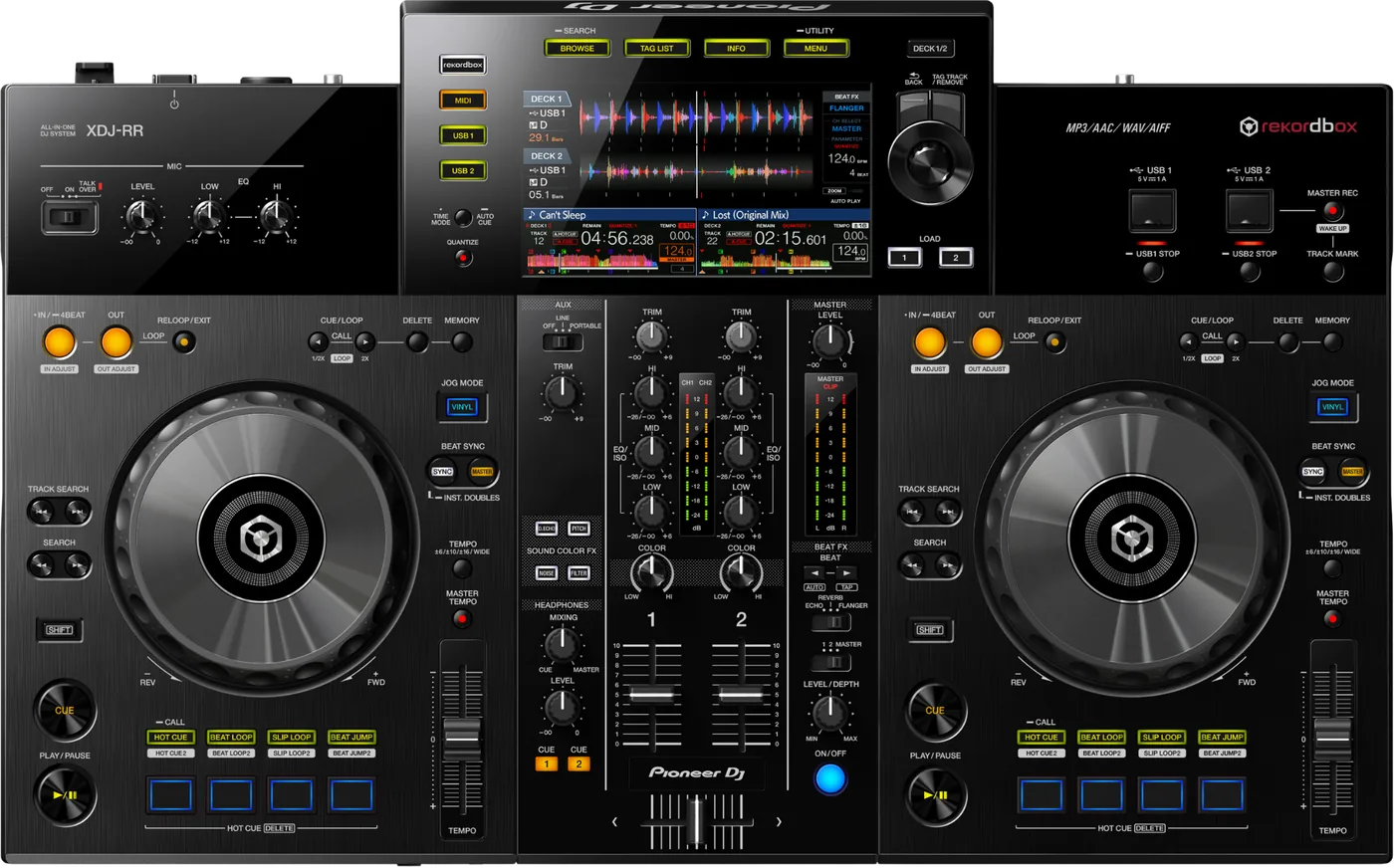

- Released
- 2019
- Width
- 62.5 cm · 24.6 in
- Depth
- 38.9 cm · 15.3 in
- Height
- 7.4 cm · 2.9 in
- Weight
- 5.2 kg · 11.5 lb
Know the unitbefore you pack
Connectionson the back
Five things that can affect your gig
1No exFAT. Format the stick FAT32 (or HFS+ on a Mac).
2Power Management darkens it after 20 minutes idle. Press the red MASTER REC (WAKE UP).
3Hold USB STOP for 2 seconds before you pull the stick. Pulled too soon, it can become unreadable.
4Only the first partition is read, unless another holds the rekordbox library.
5Firmware below 1.05: some WAV files will not play.
Also good to know
Firmware1.08, May 2025, is the highest version published.
Limits8 folder layers, 10,000 files per folder.
UpdatesDo not update the firmware just before a gig.
Based on the Save My Gig guide for this model and Pioneer DJ's own documents.