

XDJ-RX2
Before the gig: know this unit, check its firmware (its software), and prepare your USB stick.
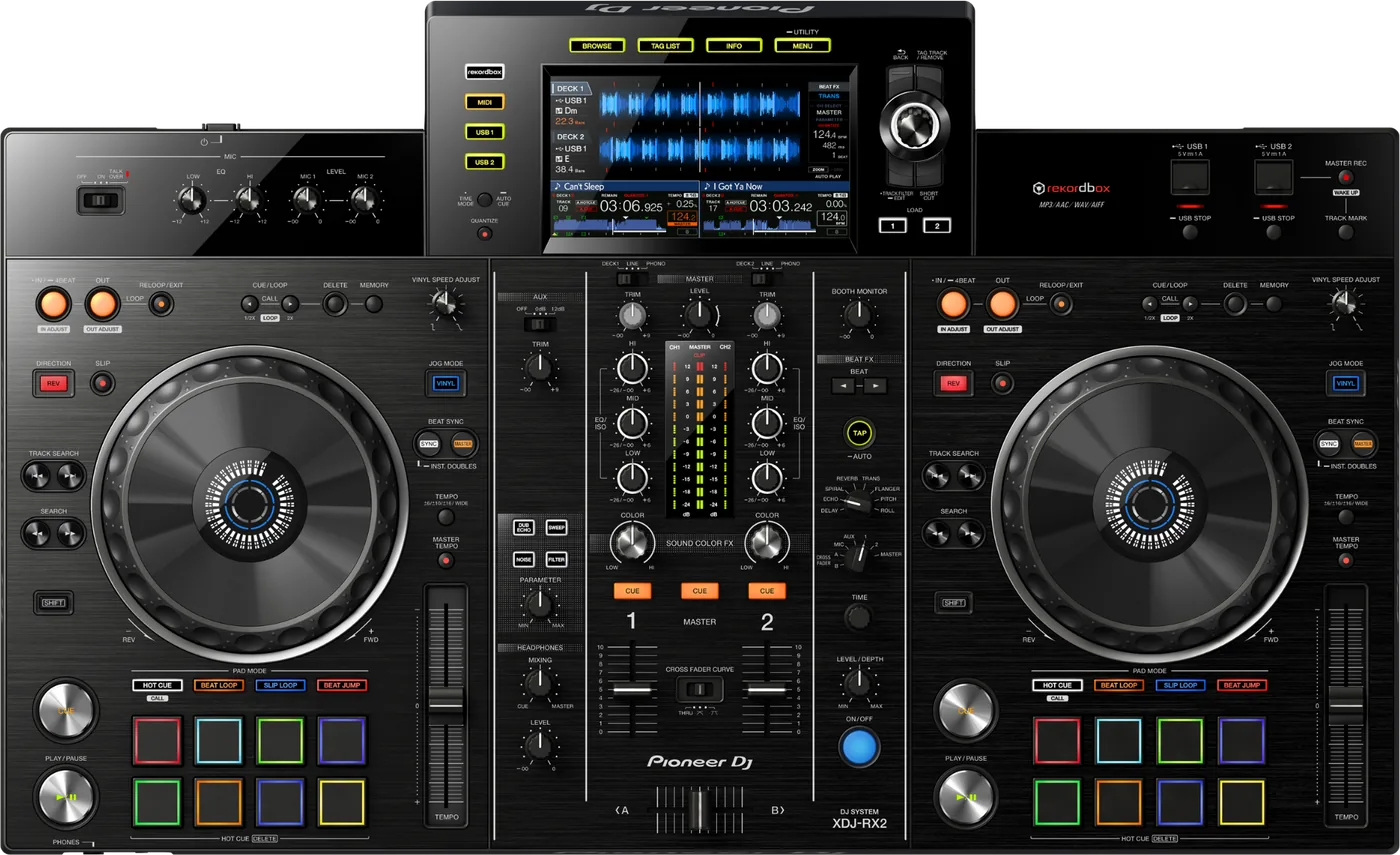

- Released
- 2017
- Width
- 72.8 cm · 28.7 in
- Depth
- 44.4 cm · 17.5 in
- Height
- 10.8 cm · 4.3 in
- Weight
- 9.1 kg · 20.1 lb
Know the unitbefore you pack
Connectionson the back
Five things that can affect your gig
1No exFAT, and no NTFS. Format the stick FAT32.
2The touch display is its weak point. A broken screen need not end the set.
3Firmware 1.43 fixed WAV files that would not play.
4A Device Library export makes the stick browse. No playlists means the export, not the format.
5It plays without a computer. Every mistake has to be caught before you leave the house.
Also good to know
StandbyDark with one red button: it is asleep. Press MASTER REC (WAKE UP).
USB STOPHold USB STOP for over 2 seconds before you pull a stick.
PhonoA turntable with its own phono stage goes on LINE.
Based on the Save My Gig guide for this model and Pioneer DJ's own documents.