

SC5000
Before the gig: know this deck, check its firmware (Engine OS), and prepare your USB stick.
- Released
- 2017
- Width
- 32 cm · 12.6 in
- Depth
- 41.9 cm · 16.5 in
- Height
- 13.5 cm · 5.3 in
- Weight
- 4 kg · 8.8 lb
Know the deckbefore you pack
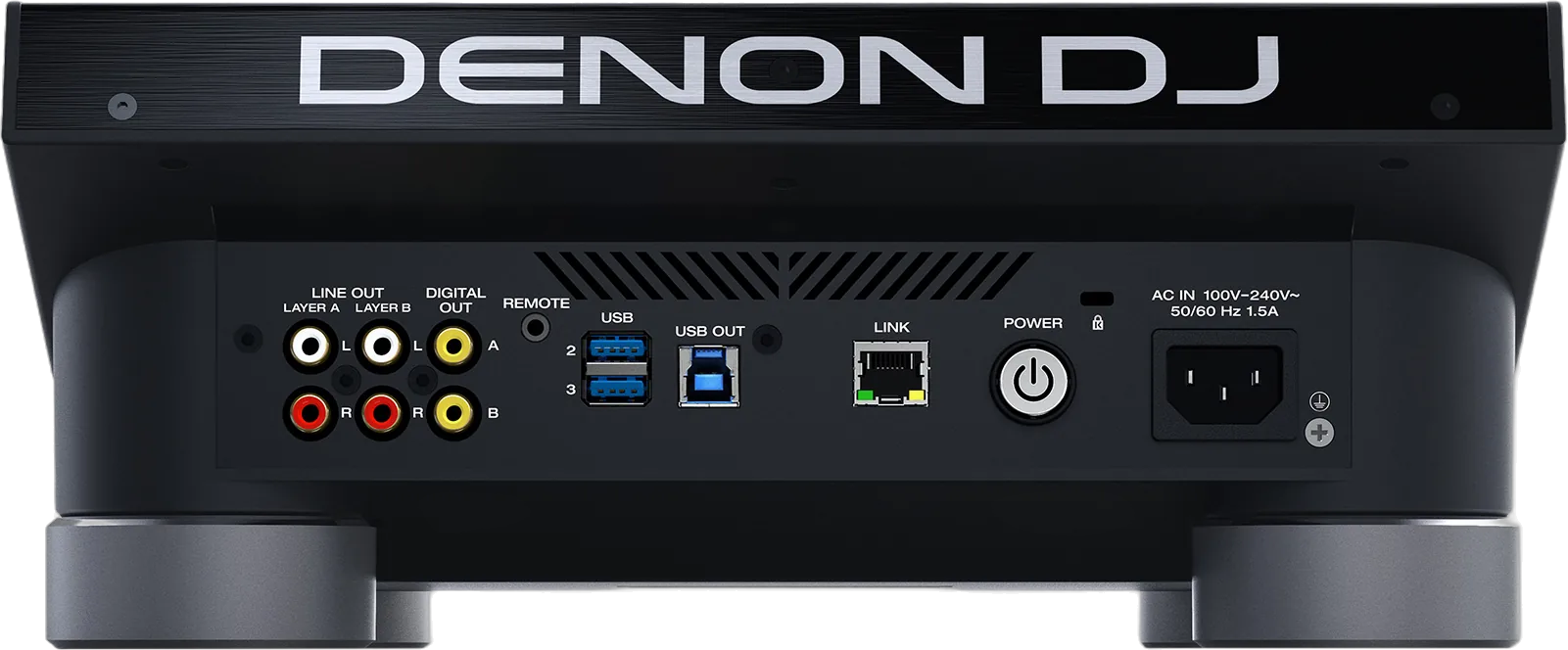
Connectionson the back
Five things that can affect your gig
1Two layers, two outputs. Check which mixer channel each layer reaches.
2A firmware update can need the mixer first. Nothing warns you before you start.
3A Mac drive that works on an SC6000 is refused here. Check the format first.
4Three Safety settings look like broken hardware. Check them at soundcheck.
5Eject before you pull a drive: MEDIA EJECT, then the Eject icon.
Also good to know
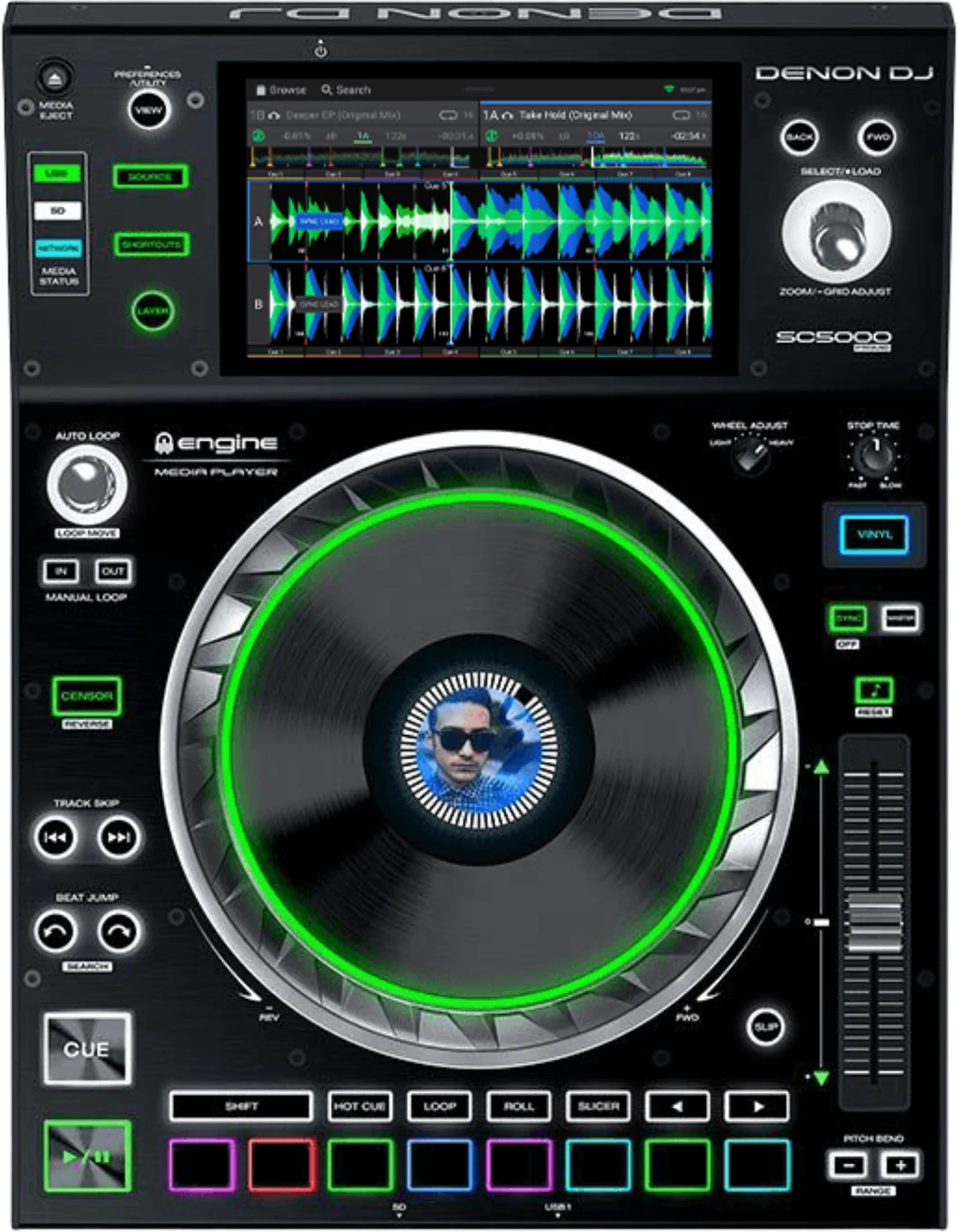
Platter8 in metal platter, with a display in the centre.
LocksLock Playing Deck, Pad Lock, Needle Lock: User Profile, Safety.
ResetHold POWER on the back for 10 seconds.
UpdatesDo not update Engine OS just before a gig.
Based on the Save My Gig guide for this model and Denon DJ's own documents.