

CDJ-3000X
Before the gig: know this deck, check its firmware (the deck's software), and prepare your USB stick.
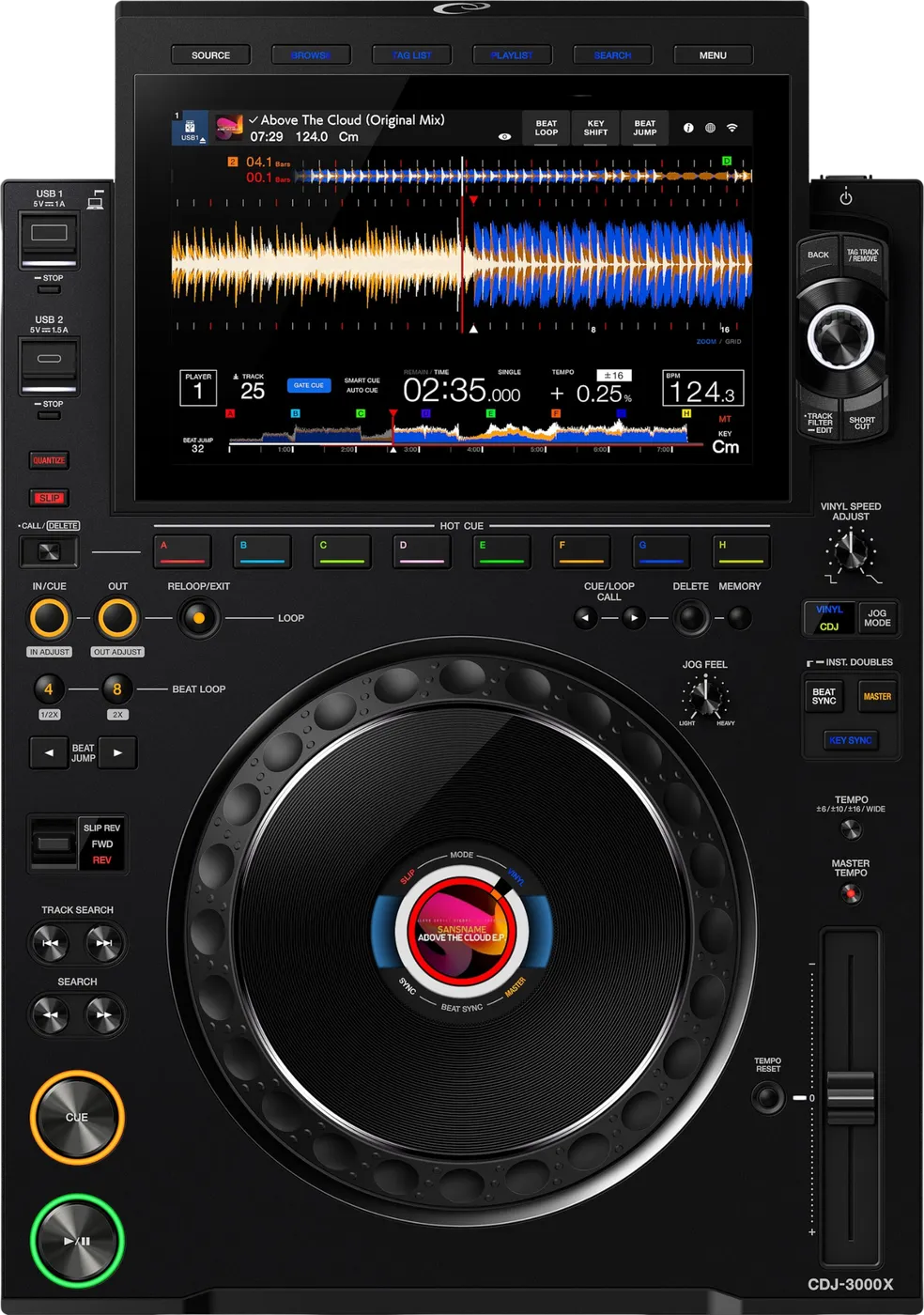
- Released
- 2025
- Width
- 34.5 cm · 13.6 in
- Depth
- 49 cm · 19.3 in
- Height
- 13 cm · 5.1 in
- Weight
- 6 kg · 13.2 lb
Know the deckbefore you pack
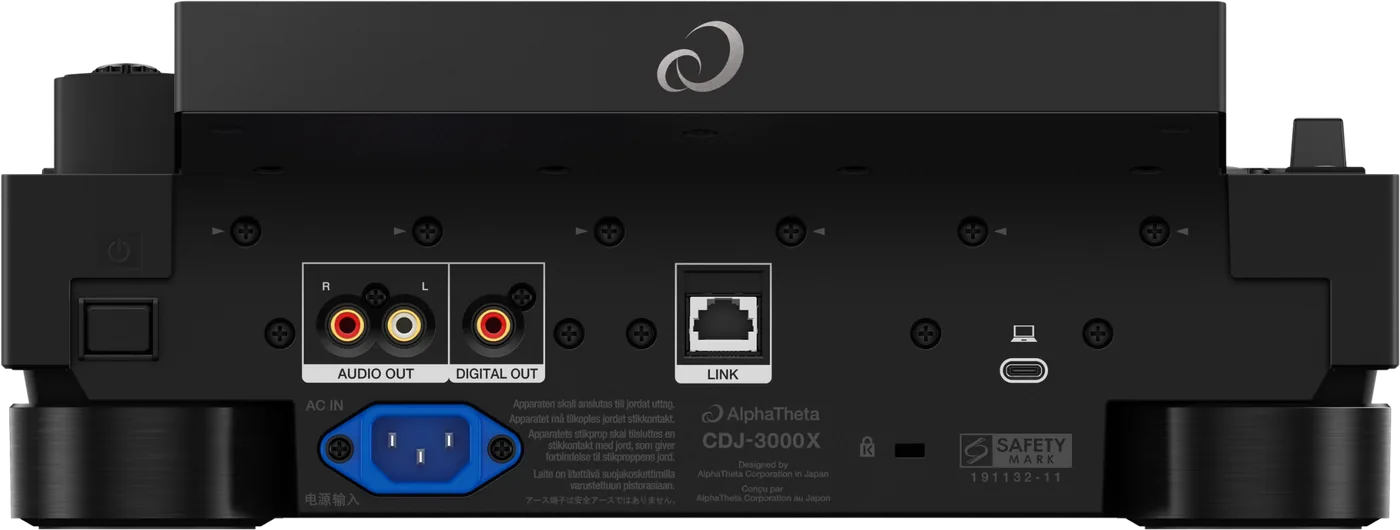
Connectionson the back
CAnalog audio outAUDIO OUT, left and right
DDigital audio outOne DIGITAL OUT socket
ELINKOne network socket (PRO DJ LINK)
FUSB to computerOne USB Type-C, for a computer
Five things that can affect your gig
1It reads OneLibrary, not Device Library. A stick with only Device Library shows no playlists, with no error message.
2There is no SD card slot. A set on an SD card cannot be played here.
3Features depend on its firmware: Serato DJ Pro from 1.10, djay from 1.20, Apple Music from 1.31. Check its firmware first.
4Older decks in the same booth? Convert the stick once in rekordbox (Convert from Device Library), then export with rekordbox 7.2.13 or later. One stick then works on all of them.
5NFC login signs you in. It plays nothing. Cloud and streaming need the venue's internet. Always bring your USB drive.
Also good to know
FAT32Format the stick as FAT32 (with MBR). This always works. A larger exFAT stick also works.
UpdatesDo not update firmware or rekordbox just before a gig.
Cold roomThe screen can stay dark after power on. It comes back by itself.
CloudFor cloud play, keep at least 1 GB free on your USB drive.
WindowsWindows needs AlphaTheta's driver installed first. A Mac does not.
Based on the Save My Gig guide for this model and AlphaTheta's own documents.