

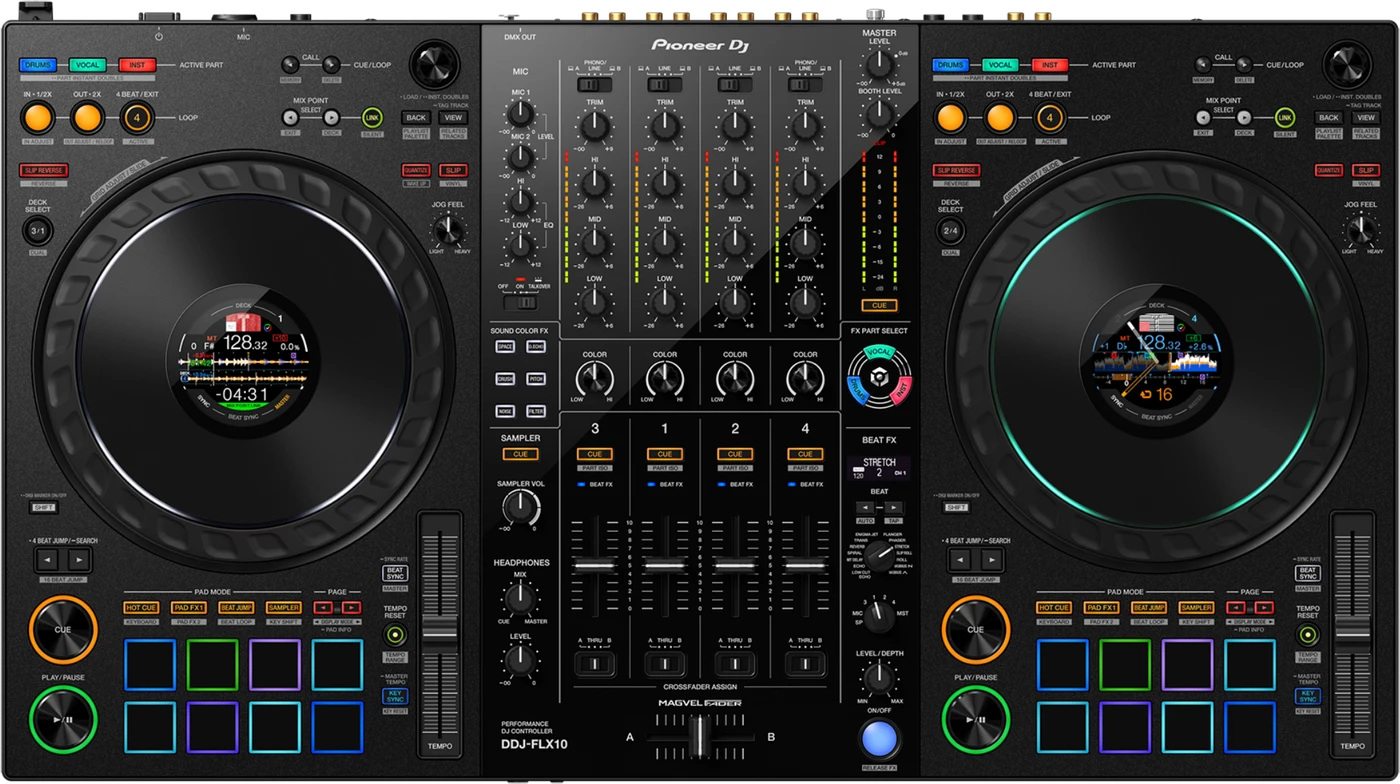
DDJ-FLX10
Before the gig: know this controller, check its firmware (the unit's software), and set up your laptop.


- Released
- 2023
- Width
- 71.6 cm · 28.2 in
- Depth
- 40.0 cm · 15.8 in
- Height
- 7.3 cm · 2.9 in
- Weight
- 6.7 kg · 14.8 lb
Know the unitbefore you pack
LaptopThe decks run in rekordbox or Serato DJ Pro. No laptop, no deck sound.
MixerFour channels. The mixer works without a laptop on its line inputs.
PowerMains only. Use the supplied adaptor. USB does not power it.
AMicTwo mic inputs and one OFF / ON / TALKOVER switch.
Connectionson the back
Five things that can affect your gig
1No laptop, no decks. The decks need rekordbox or Serato DJ Pro. The mixer still works without one.
2rekordbox must be in PERFORMANCE mode. In EXPORT mode it controls nothing: click EXPORT, top left.
3Mains power only. It is not bus powered: use the supplied adaptor in DC IN.
4Off mode after 20 minutes without a touch or a sound. Press QUANTIZE on the left deck.
5Part ISO (STEMS): before firmware 1.12, the EQ knob adjusted the wrong part. It needs rekordbox 6.7.1 or newer.
Also good to know
Firmware1.14, 31 Jul 2025, is the highest version published.
Softwarerekordbox and Serato DJ Pro. djay Pro from firmware 1.14.
UpdatesDo not update the firmware just before a gig.
Based on the Save My Gig guide for this model and Pioneer DJ's own documents.