

DJM-A9
Before the gig: know this mixer, check its firmware (the mixer's software), and plan your cables.
- Released
- 2023
- Width
- 40.7 cm · 16 in
- Depth
- 45.8 cm · 18 in
- Height
- 10.8 cm · 4.2 in
- Weight
- 10.2 kg · 22.5 lb
Know the mixerbefore you pack
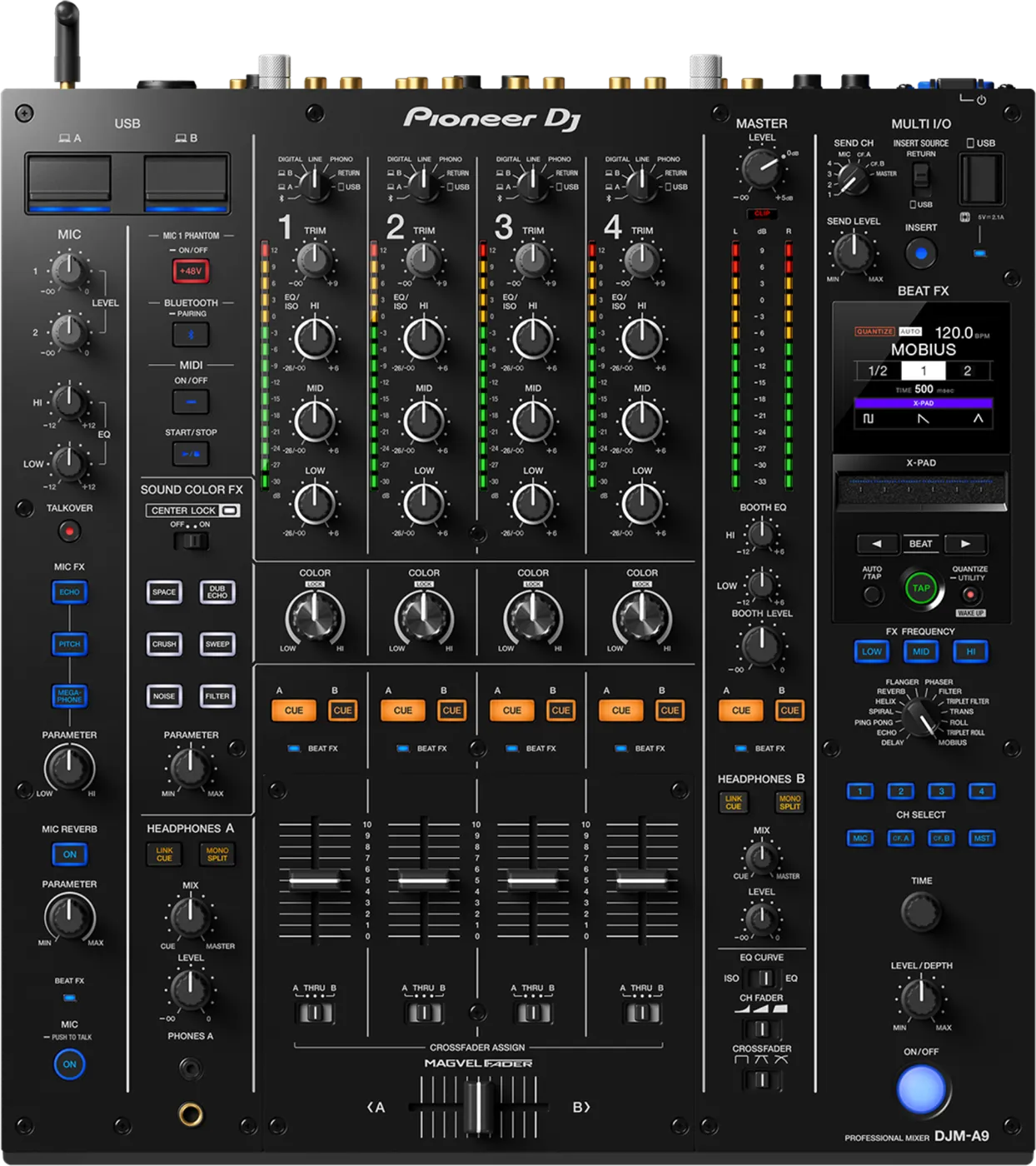
ChannelsFour. The input switch on each picks PHONO, LINE, DIGITAL, a laptop (A or B), Bluetooth, RETURN or USB.
ALaptopsTwo USB ports, A and B (Type-B or Type-C). One cable per port. Install the DJM-A9 software first.
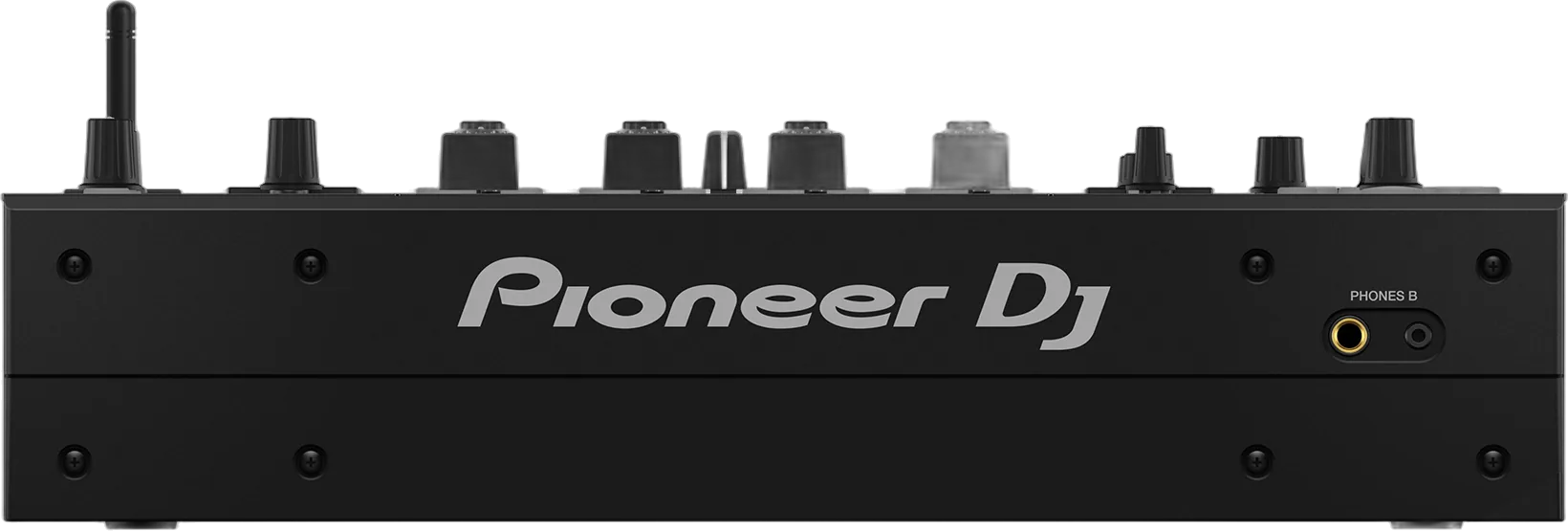
BCPhonesA on top, B in front, each with its own CUE, MIX and LEVEL.
DPhoneFor a phone with an effects app. Never a phone in A or B.
Softwarerekordbox, Serato DJ Pro, djay Pro. Serato and djay need a licence.
Connectionson the back
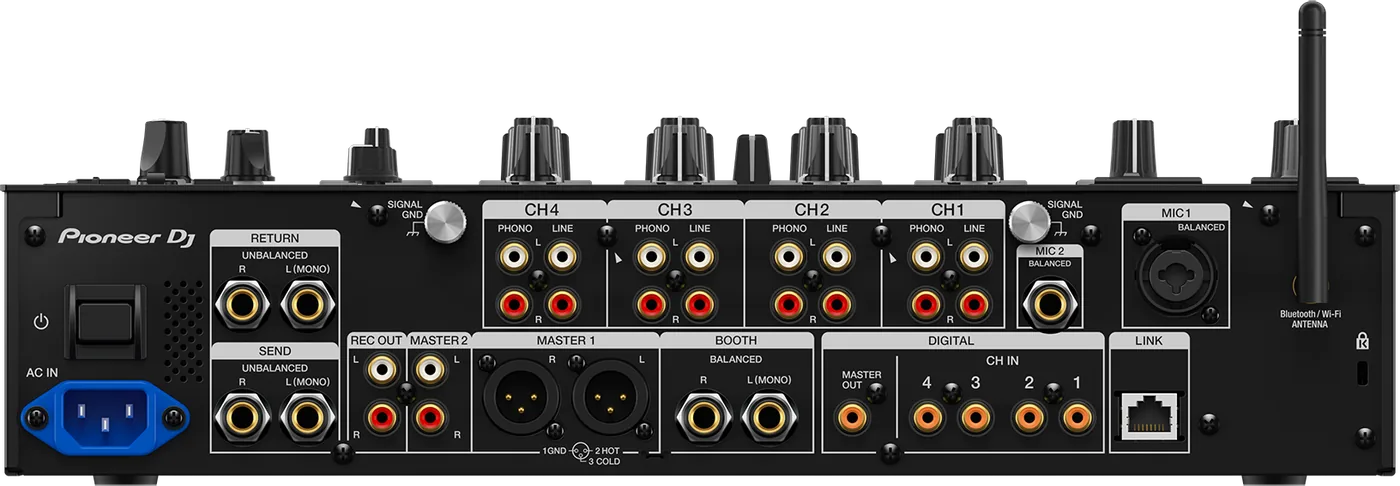
EInputsPHONO and LINE, RCA
FMicMIC 1 XLR or jack, MIC 2 jack
GMaster outMASTER 1 XLR, MASTER 2 RCA
HBooth outBalanced jacks (TRS)
IDigitalCoaxial RCA, master out and 4 in
JSend / ReturnJacks (TS), for an effects unit
KLINKNetwork socket (PRO DJ LINK)
LAntennaFor Bluetooth and Wi-Fi
Five things that can affect your gig
1Firmware below 1.11: a rare freeze when PRO DJ LINK is busy. Mixer frozen? Check its firmware first.
2Firmware below 1.02: with laptops on A and B, moving the input switch can stop the DVS phono input. Connect one laptop at a time.
3Bluetooth needs the antenna (taken off for transport). One device at a time.
4Switches itself off after 20 minutes with no sound and no PRO DJ LINK. Normal. Press QUANTIZE/UTILITY (WAKE UP).
5MIC 1 phantom power (+48V) is locked from the factory. Unlock it in Utility (MIC PHANTOM LOCK). For condenser mics only.
Also good to know
UpdatesDo not update the firmware just before a gig.
BalancedMASTER 1, BOOTH: balanced only. RCA: MASTER 2.
Based on the Save My Gig guide for this model and Pioneer DJ's own documents.