

OPUS-QUAD
Before the gig: know this unit, check its firmware (its software), and prepare your USB stick.
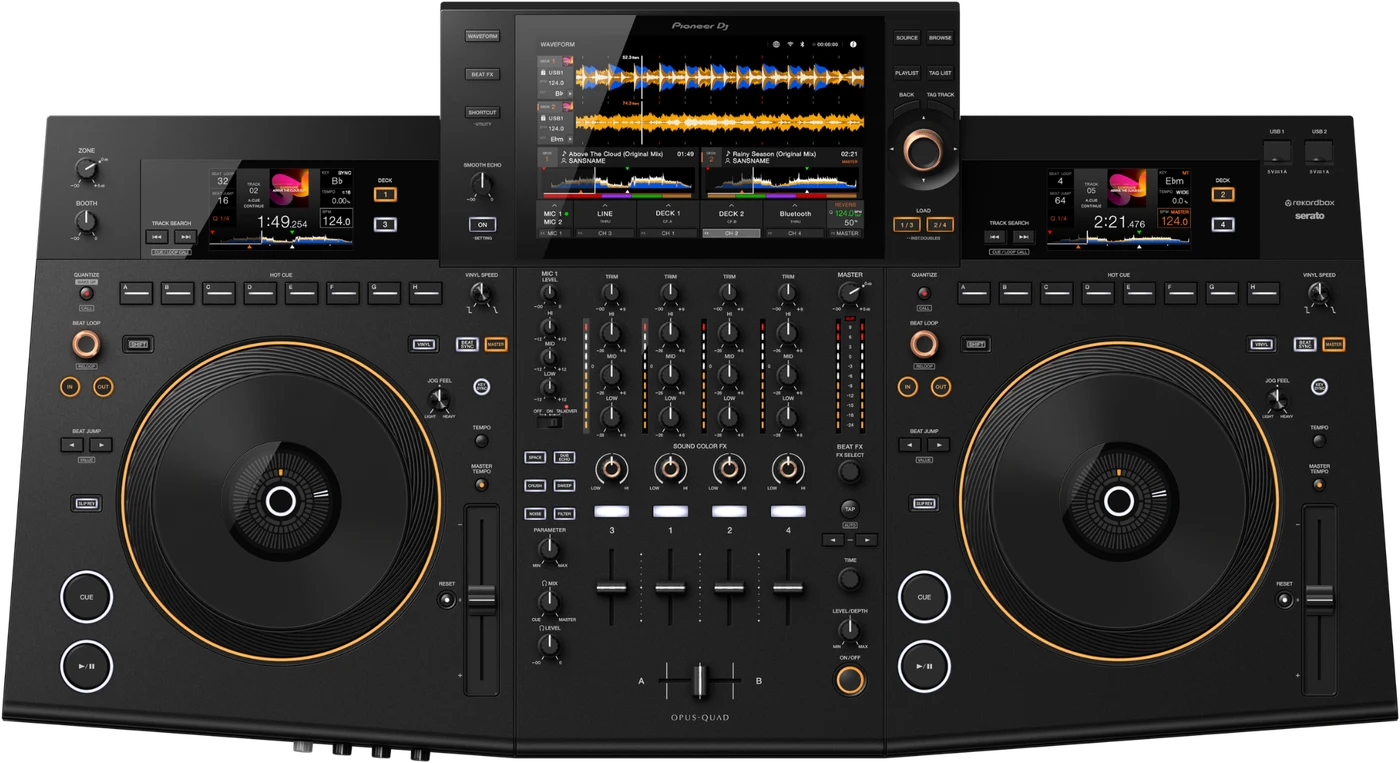

- Released
- 2023
- Width
- 92.6 cm · 36.4 in
- Depth
- 50 cm · 19.7 in
- Height
- 14.2 cm · 5.6 in
- Weight
- 13.2 kg · 29.1 lb
Know the unitbefore you pack
LibraryExport from rekordbox on a computer.
AUSBTwo on top, one on the back. No SD slot.
Softwarerekordbox, and Serato DJ Pro (1.10 on).
Connectionson the back
Five things that can affect your gig
1A stick prepared on this unit plays nowhere else. Use rekordbox on a computer.
2Firmware below 1.22: no audio, blackouts, freezes.
3It does not link with CDJs. Its LINK is for a computer.
4Four decks, two per side. Check the DECK buttons first.
5Off after 20 minutes idle. Press QUANTIZE on deck 1/3.
Also good to know
Hot cuesEight per deck, A to H.
Firmware1.12 fixed exFAT sticks acting up.
Load LockOn Lock, a playing deck refuses a new track.
UpdatesDo not update the firmware just before a gig.
Based on the Save My Gig guide for this model and Pioneer DJ's own documents.