

Bitwig Studio, field manual
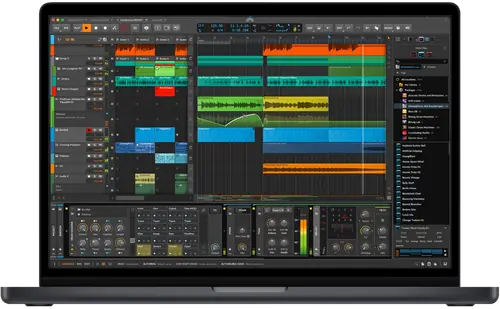
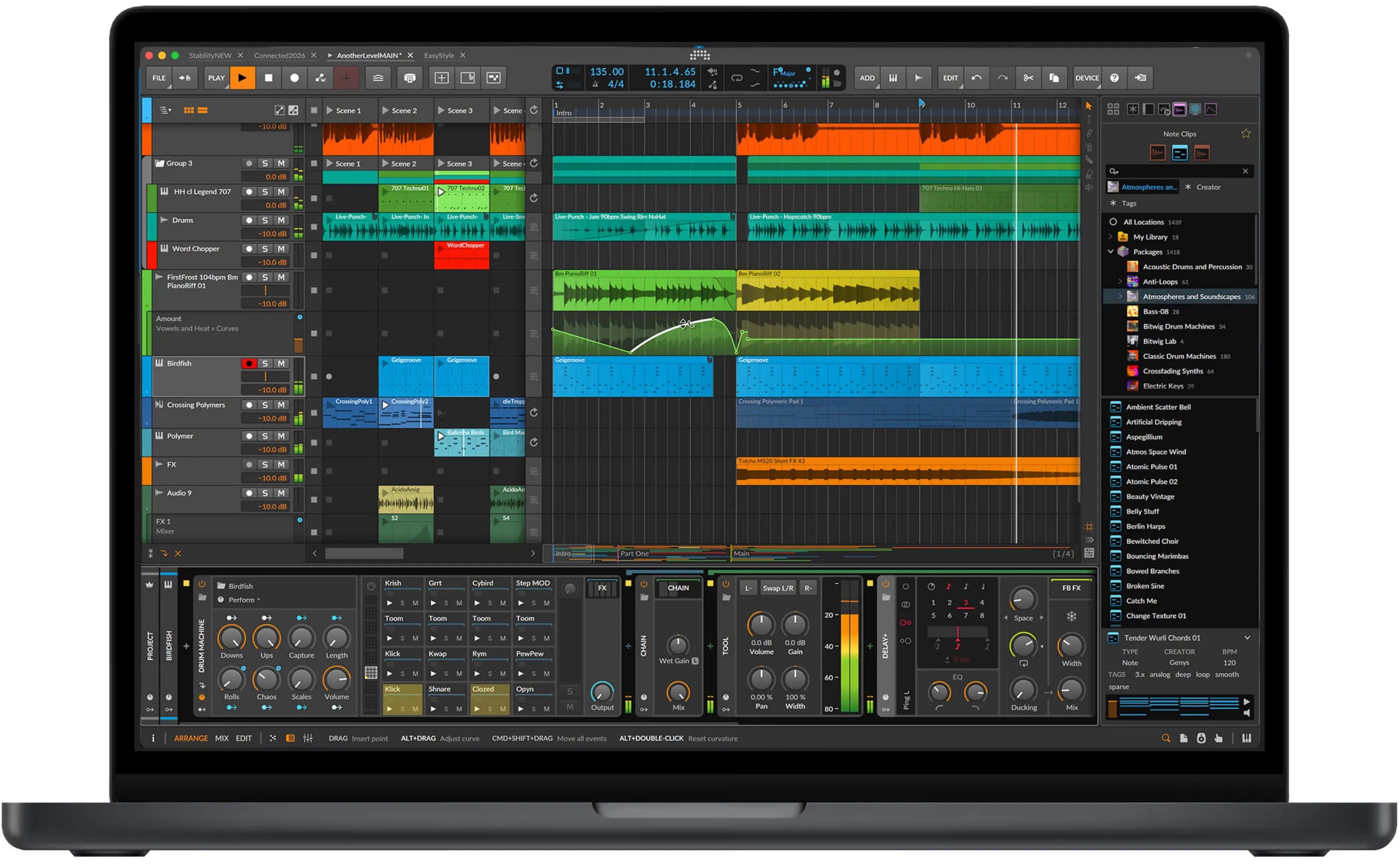
Booth briefing. Bitwig Studio is a DAW, a program for making and performing music, made by Bitwig in Berlin. Since version 6.1.4 it reads your rekordbox library directly: your tracks open as a project with rekordbox's tempo, key, beat grid and hot cues already in place. A DJ cares because edits and remixes now start from the library you play from, and because it also syncs with DJ software over Ableton Link for a hybrid set.
The story: Bitwig Studio, the history
Fast Lane
Bitwig Studio: software profile
A DAW that opens your rekordbox library as projects.
- Runs on
- Windows 10 or 11; macOS 12 Monterey or later; Linux. What it needs to run
- Reads your library from
- Your rekordbox 6 or 7 library: tempo, key, beat grid, hot cues.
- Staying in time
- Ableton Link.
- What you build with it
- Edits and remixes from your own tracks, split by song structure or hot cues.
- What it costs to keep
- Essentials, Producer and Bitwig Studio; three computers. What the licence buys
The five things that decide your pick
Bitwig Studio in five points, each linked to its section.
It reads your rekordbox library
Since 6.1.4, with rekordbox 6 or 7 installed.
Hot cues and the grid come with the track
Fix the grid in rekordbox first.
The Studio Plan bundles it with rekordbox
Essentials edition, 30-day trial.
Three computers, and it activates offline
Activate the backup laptop at home.
Link keeps it in time with DJ software
Same network, tested before the gig.
Understanding the software
Your rekordbox library inside Bitwig
The integration. As of version 6.1.4, released on 13 October 2026, Bitwig Studio can read your rekordbox library and track analysis data. When rekordbox is installed, the library appears as a location in Bitwig's Browser Panel, with filters for artist, album, file type, genre and playlist. Nothing needs to be configured.
What it needs. It needs rekordbox 6.x or 7.x installed on the same computer, and since rekordbox runs on macOS and on Windows Intel, the integration is only available there. Bitwig says it is available to Bitwig Studio, Producer and Essentials users with an active upgrade plan.
The practical reading. Fix the grid in rekordbox before you open a track in Bitwig. The project inherits that grid, so an edit built on a wrong grid stays wrong.
What carries over: key, tempo, grid and hot cues
Open as New Project. Opening a track creates a new project from rekordbox's data: the key sets Bitwig's key signature, the tempo sets the project tempo, the beat grid becomes beat markers on the audio, and hot cues become Arranger cue markers with their names and colours. You can split the track into clips by rekordbox's song structure or by your hot cues, and add a guide track that marks where vocals were detected.
Dragging audio in. Any audio file rekordbox knows, dragged into a project, takes rekordbox's tempo and beat grid, and the clip is trimmed to start on the first detected beat. The full audio stays in the event, so the intro can be pulled back in.
The rekordbox Studio Plan
The plan. AlphaTheta's rekordbox Studio Plan is a subscription with Bitwig Studio Essentials and the rekordbox integration, with a 30-day free trial. After that, Bitwig Studio can still be used in its free demo mode, with feature limits. Stem separation is announced for a future update.
Editions, licence and offline activation
The editions. Bitwig Studio comes as Essentials, Producer and Bitwig Studio, all for macOS, Windows and Linux, all with unlimited audio, instrument and hybrid tracks and scenes. Essentials has 4/8 audio input and output busses and one screen; Producer and Bitwig Studio have unlimited busses and up to three screens. A licence includes 12 months of free updates.
Computers. Bitwig Studio can be activated on three computers. A computer with no internet connection can be activated offline: Bitwig saves an activation request file, you upload it from a connected computer in your Bitwig account, and bring back the activation file.
What it needs to run
Systems. The download page lists Windows 10 or 11 (64-bit, with x86 and ARM installers), macOS 12 Monterey or later, and Ubuntu 24.04 on Linux, or any distribution through its universal package. The release notes recommend a processor with AVX2.
Version of record. The version of record is Bitwig Studio 6.1.7, released on 5 November 2026. Version 6.1.5 of 16 October fixed a crash when loading audio from rekordbox without a beat grid.
Playing with DJ software
Ableton Link in a hybrid set
Link. Bitwig Studio supports Ableton Link. Its 6.1.5 release notes list a Link fix: closing Bitwig Studio no longer stops the Link session for every peer using start and stop sync.
Before a set. Link needs the DJ program and Bitwig on the same network. Check that your DJ program is on Ableton's Link list, and test the start and stop with both open before the gig.
What to watch for
Crackles on Windows, and keeping the version steady
The fix. Its 6.1.6 release notes also fix crackling on Windows with an ASIO driver at small buffer sizes on a machine near its processing limit, a regression from 6.1.1.
In the booth. Update in the week before a gig, open the set you will play, and play it through once. A point release that fixes one thing can change another.
Where this page came from
Our sources. Written by working DJs from our own experience in the booth, and checked against Bitwig's official sources, its release notes, download, shop and support pages, and AlphaTheta's own Studio Plan announcement. The links below go straight to them.
- Bitwig and rekordbox · the integration
- Bitwig download page · the version and what it runs on
- Bitwig shop · the editions
- Bitwig support · how many computers
- Offline activation · activating without internet
- rekordbox Studio Plan · AlphaTheta's own announcement
Keep the Emergency Card
We will email you the printable PDF so it is on your phone before the next dark booth. Occasional notes that save gigs. No spam, unsubscribe in one click.
Register and receive itRegistering is free and counts everywhere on Save My Gig. We send a confirmation email first. Your address is stored with Brevo, our email provider. Unsubscribe any time. Privacy
Other DJ software
Commonly used with
Sources: see the list above, all read on 13 November 2026.