

MacBook Air, the field manual
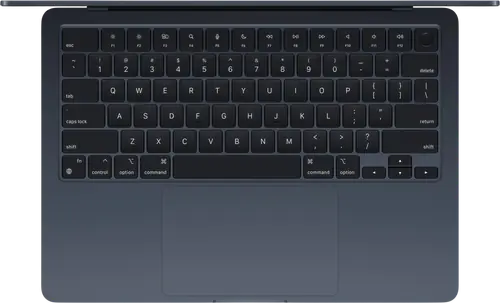
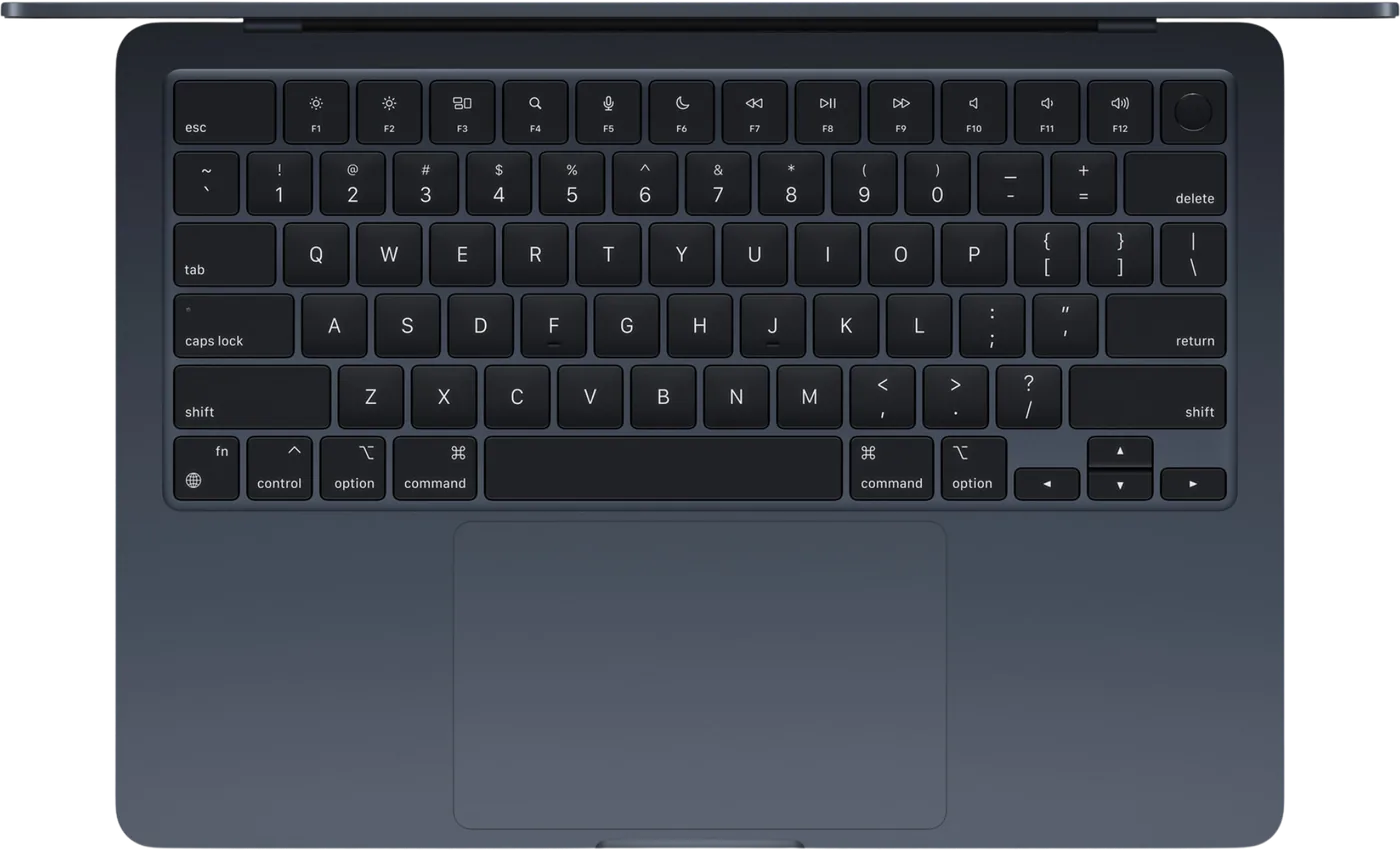
Booth briefing. The lighter MacBook, and the one most DJ sets run on. The MacBook Air comes in 13-inch and 15-inch sizes on Apple’s M-series chips, at 1.2 to 1.5 kg, with two USB-C ports, MagSafe and a headphone jack, and nothing else: no USB-A, HDMI or SD. It is the MacBook Pro’s lighter version, fewer ports and less stamina, running the same DJ software the same way. Buy any M-series generation, M1 onward; Apple’s own macOS 27 list carries every one of them and no Intel Mac. On memory and storage, treat 16 GB and 512 GB as the floor, not the target: our floor, not Apple’s. Less runs, with little margin. More is always better, so if you can reach 24 GB or 1 TB, take it.
Fast Lane
The five things that decide your gig
The five things about the MacBook Air that change what happens next, if you are reading this in the booth. All five are explained in full further down this page.
Two USB-C ports. A controller, a drive and a charger is three things.
MagSafe takes the charger. Two ports for two devices; a third means a powered hub you have tested at home, never one bought at the venue.
The week of a gig is not update week.
A macOS update the day before a gig is a version at least one DJ vendor says not to install. Turn automatic updates off on the gig machine.
A macOS update resets permissions, and the controller vanishes.
Files and folders, microphone, local network. AlphaTheta publish a notice about exactly this for rekordbox; it applies to every DJ application.
16 GB and 512 GB, decided at the checkout, never again.
Memory and storage are fixed for the life of the machine. That is the floor this site advises, not a target; less works, with little margin. More is always better if you can reach it.
Apple silicon only. Apple’s macOS 27 list says why.
Every Air from the M1 onward is on Apple’s macOS 27 list and no Intel Mac is. Vendor support follows the operating system.
If something goes wrong
The software does not see the controller after a macOS update
Short answer. A macOS update resets permissions, and DJ software needs several: files and folders, microphone, and on macOS 26 and later, finding devices on the local network. AlphaTheta publish a notice saying exactly this for rekordbox, with a PDF per macOS version, and it applies in spirit to every DJ application. A prompt you dismissed in a hurry is the silent reason the controller that worked last week is not seen this week.
Fix it now. System Settings, Privacy and Security: check Files and Folders, Microphone, and Local Network for the DJ application. Then restart the MacBook Air, not just the application. If a driver was updated, AlphaTheta say to restart after installing it.
Avoid it next time. Never update macOS in the week of a gig. The OS compatibility page says what each vendor has said about each version.
Audio dropouts or crackle mid-set
Short answer. On a MacBook Air the usual causes are, in order: the machine on battery with a power-saving mode active, a hub between the controller and the port, Wi-Fi and Bluetooth left on with a streaming or sync service in the background, and a full internal drive. None of them is the controller.
Fix it now. Plug the charger in. Move the controller to a port directly on the machine. Turn Wi-Fi and Bluetooth off unless the set streams. Quit everything that is not the DJ application.
What to watch for
The week of a gig is not update week
Short answer. Apple ship a major macOS every autumn and point releases through the year, and every DJ vendor answers on its own page, weeks or months later. A MacBook Air that offers you macOS 27 the day before a gig is offering you a version at least one vendor says not to install. The OS compatibility page holds each vendor’s statement, per version, in their words.
What to do. System Settings, General, Software Update: turn automatic macOS updates off on the gig machine. Update between gigs, after your vendor’s row turns green, and test with the controller you will play on.
Memory and storage are decided at the checkout and never again
Short answer. On every Apple silicon MacBook Air the memory is part of the chip and the storage is soldered. Apple offer 16 GB as standard, configurable to 24 GB or 32 GB and 512 GB as standard, configurable up to 4 TB, and whatever you pick is what the machine has for its whole life.
Our advice, not Apple’s. 16 GB of memory and 512 GB of storage as the floor for a gig machine, not the target. Memory, because the DJ application, its analysis, the operating system and whatever else is open all share it and a machine that swaps to disk mid-set is a machine that stutters. Storage, because the library grows, macOS grows, recordings of sets are large, and a nearly full SSD slows down. Apple’s base MacBook Air today meets that floor. Above it is always better; what decides how far you go is the library, not us.
Compatibility
Apple silicon only, M1 and beyond
Short answer. Apple’s own compatibility page for macOS 27 lists every MacBook Air from the M1 model onward and no Intel Mac at all, and says plainly that a Mac with Apple silicon can upgrade to macOS 27. An Intel MacBook Air stops at macOS 26, and every DJ vendor’s support follows the operating system. That is the whole reason this site draws the line at M1: not speed, longevity.
The vendors. Whether a given DJ application runs on a given macOS is the vendor’s statement, not Apple’s and not ours. The OS compatibility page holds those statements side by side for rekordbox, Serato, Engine DJ, TRAKTOR, VirtualDJ and djay; the Serato, Engine DJ and TRAKTOR pages carry each vendor’s system requirements.
The models Apple list for macOS 27. MacBook Air (M1, 2020), MacBook Air (M2, 2022), MacBook Air (15-inch, M2, 2023), the 13-inch and 15-inch M3 (2024), M4 (2025) and M5 (2026) models. Every one of them is an M-series machine and every one is advised; the M1 is the oldest and ships with 8 GB as standard, which works with less margin than the base this site advises.
Our advice inside that rule. Buy the most recent M generation you can, not merely "an M chip". An older Mac is not a bad machine; it is a machine with a shorter macOS support window, and every DJ vendor's support follows macOS. Intel is the finished example: it is off Apple's macOS 27 list, so an Intel Mac now sits on a version vendors stop testing against, while driver and firmware updates arrive for versions it cannot run. Every generation you buy back from the current one brings that day closer. The M1 still works and is still on Apple's list; it is simply nearer the end of that road than an M4 or an M5.
Features explained
What Apple publish, and what matters in a booth
- Chip
- Apple M5, on both sizes
- Memory
- 16 GB as standard, configurable to 24 GB or 32 GB
- Storage
- 512 GB as standard, configurable up to 4 TB
- Ports
- two Thunderbolt 4 (USB-C), MagSafe 3 for charging, and a 3.5 mm headphone jack. No USB-A, no HDMI, no SD slot
- Display
- 13.6-inch or 15.3-inch Liquid Retina
- Weight
- 1.23 kg (13-inch) or 1.51 kg (15-inch)
- Battery, Apple’s claim
- up to 18 hours of video streaming, both sizes
Two sizes, one chip, one port layout. The 15-inch is the same machine with a bigger screen and a bigger battery, per Apple’s specs, and 280 grams more in the bag. Everything on this page applies to both.
Professional tips
Decisions to make before the laptop goes in the bag
A gig account. A second macOS user with nothing in it but the DJ application, the library and no cloud sync. Log into it for the set. Notifications, Time Machine, photo sync and mail cannot interrupt what is not running.
Automatic updates off, on this machine. Update between gigs, after the vendor says so.
The charger goes to the gig. Play on mains, with power-saving off. Apple claim up to 18 hours of video streaming; a DJ application driving a controller is not video streaming, and a set is not the place to measure the difference.
The port question, answered at home. The Air has two USB-C ports and nothing else. A controller, a drive and a charger is three things; MagSafe takes the charger, which leaves two ports for two devices. A third device means a hub, and a hub means a powered one you have tested.
Keep a fifth of the disk free. A nearly full SSD is slower, and macOS needs room to work.
Firmware, drivers and manuals
Where the maker keeps the rest
Frequently asked questions
Quick answers
- 13-inch or 15-inch?
- Same chip, same ports, same memory and storage options, per Apple. The 15-inch has the bigger screen and battery and weighs 280 grams more. For a booth where the laptop sits on a stand, the 13-inch is enough; for reading a library at arm’s length, the 15-inch.
- Is 16 GB enough?
- It is the floor this site advises, not a ceiling, and the standard Air ships with it. More memory helps a very large analysed library and many applications open; it does not make a controller more reliable.
- Is an M1 Air still fine?
- Yes. Apple list the MacBook Air (M1, 2020) as compatible with macOS 27, so it keeps getting the operating system the DJ vendors support. Its standard 8 GB is below the base this site advises: it works, with less margin. Any M-series generation from M1 to the current one is a gig machine.
- What about an Intel MacBook Air?
- Apple’s macOS 27 compatibility list has no Intel Mac on it. An Intel Air stops at macOS 26, and every DJ vendor’s support follows the operating system. It is not a machine to buy for DJing.
Related products
Playing soon and it is not working?
Start Emergency ModeKeep the Emergency Card
We will email you the printable PDF so it is on your phone before the next dark booth. Occasional notes that save gigs. No spam, unsubscribe in one click.
Registering is free and counts everywhere on Save My Gig. We send a confirmation email first. Your address is stored with Brevo, our email provider. Unsubscribe any time. Privacy
Sources: Apple’s MacBook Air tech specs, Apple Support’s tech specs for the 13-inch and 15-inch M5 models, and Apple’s macOS 27 compatibility page, read 19 September 2026. Specifications theirs, priorities ours.