

Ableton Live, field manual
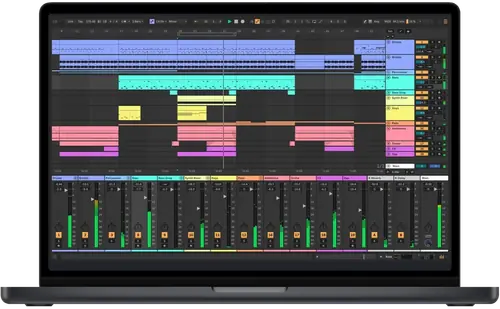
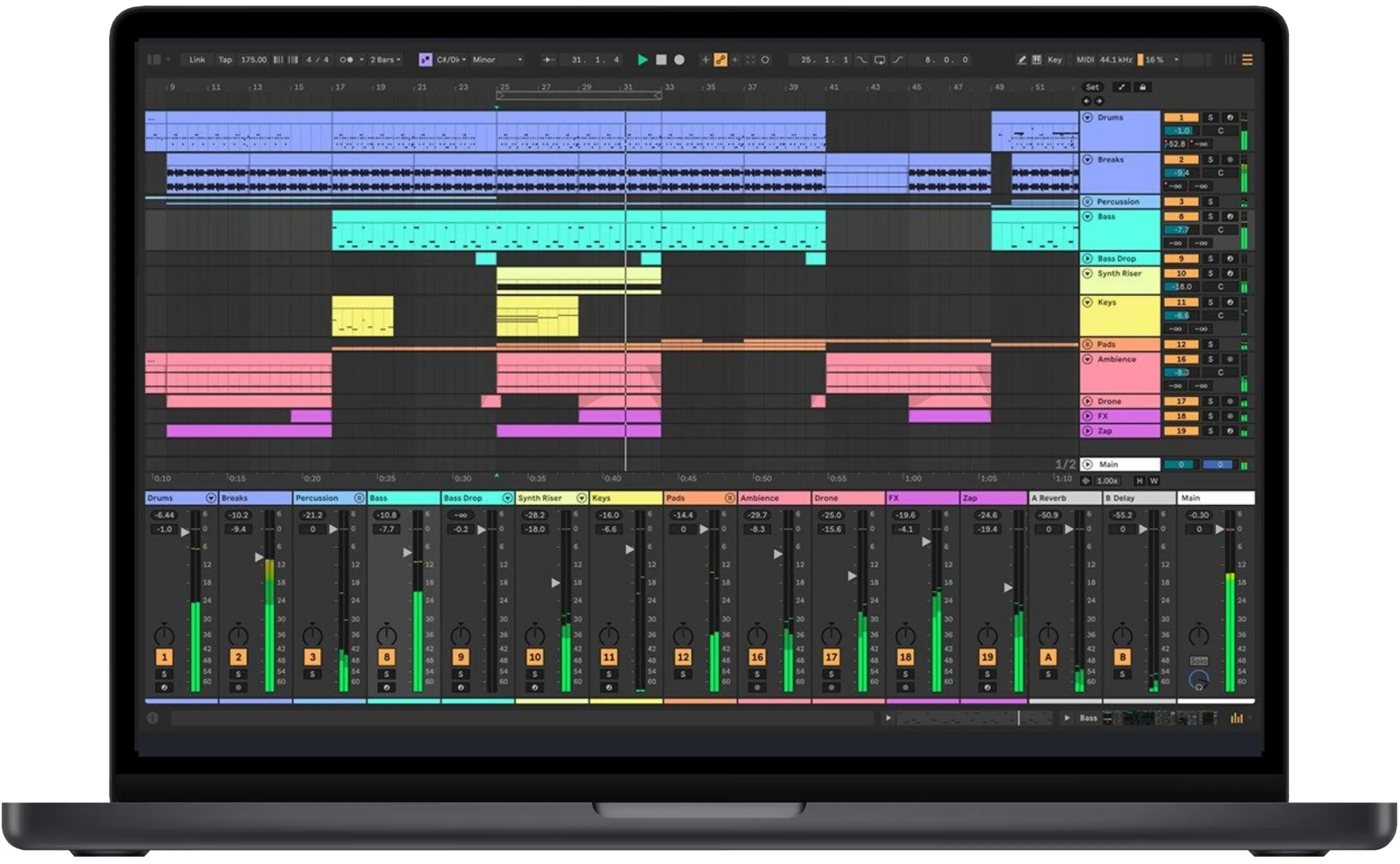
Booth briefing. Ableton Live is a DAW, a program for making and performing music, made by Ableton in Berlin. In a DJ booth it is the hybrid set: loops, stems, drums or synths running beside the DJ program, kept in time over Ableton Link and fed into a channel of the DJ mixer. A DJ cares because Live becomes one more source on the mixer, and one more thing that has to start, stay in time and survive a crash in the middle of a set.
The story: Ableton Live, the history
Fast Lane
Ableton Live: software profile
A DAW for making music that also plays live beside a DJ set.
- Runs on
- Windows 10 (22H2) or 11; macOS 11.7.10 Big Sur to 15.7.3 Sequoia. What it needs to run
- What you build with it
- Clips, songs and live sets, in Session View and Arrangement View. What it is, and what it leaves to other software
- Staying in time
- Ableton Link, built in.
- Playing live
- Yes, beside the DJ program; Push 3 standalone without a computer.
- What it costs to keep
- Intro, Standard and Suite; two computers per licence. What the licence buys
The five things that decide your pick
Ableton Live in five points, each linked to its section.
It runs beside the DJ program, not instead of it
Give Live its own channel on the mixer.
Tempo travels over Ableton Link
Same network for both, or no sync.
Live 13 arrives in early 2027
Play gigs on the release you rehearsed.
Dropouts are a buffer setting first
Find the setting at home, then leave it.
A crash leaves a recovery file
Say Yes when Live offers to restore.
Understanding the software
What it is, and where it sits in a DJ set
Its own description. Ableton describes Live as software for creating musical ideas, turning them into finished songs, and taking them onto the stage. It has two views: Session View, a grid of clips you launch in any order, and Arrangement View, a timeline.
The practical reading. In a hybrid set Live is a second source on the mixer, not a replacement for the DJ program. Give it its own channel, set its tempo from Link rather than by ear, and decide before the gig whether Live or the DJ program leads the tempo.
Live 12 today, Live 13 in early 2027
Version of record. The version of record is Live 12.4.16, released on 30 October 2026, which fixes Windows Defender install and launch errors reported on 12.4.15.
Live 13. Ableton announced Live 13 on 10 November 2026 and says it will be released in early 2027. Until then, buying or upgrading to Live 12 includes the matching Live 13 edition free on release day. A public beta has limited places for Standard and Suite owners.
Before a gig. A beta is for trying things at home. Play the gig on the release version you rehearsed with, and update the week before, never the day of.
Editions and licence
The editions. Live comes as Intro, Standard and Suite. Ableton's comparison page gives Intro 16 audio and MIDI tracks, 16 scenes, 2 send and return tracks and 16 mono inputs and outputs. Standard and Suite have unlimited tracks and scenes, 12 sends and returns and 256 mono inputs and outputs, and Suite adds the full set of instruments, effects and Max for Live.
Computers. Ableton's licence policy covers two active computers owned by the registered user, and the licence is for one person. A new authorisation may be needed after replacing core hardware or reinstalling the operating system.
The practical reading. Two computers means a backup laptop can carry the same Set. Authorise it at home and open the Set on it before the gig.
What it needs to run
Windows. Windows: Windows 10 (version 22H2) or Windows 11 (22H2 or higher), a 5th generation Intel Core i5 or an AMD Ryzen processor with AVX2, 8 GB RAM and about 6 GB of disk space for a basic installation.
macOS. macOS: Ableton's requirements page lists macOS 11.7.10 Big Sur through macOS 15.7.3 Sequoia, an Intel Core i5 or Apple silicon, 8 GB RAM and about 8 GB (Intel) or 10 GB (Apple silicon) of disk space.
Playing with DJ software
Ableton Link, and which DJ programs speak it
What it does. Ableton Link keeps devices in time over a local network: join the same network, and anyone can change the tempo and the rest follow. It needs no MIDI cables, and Link applications can also start and stop together.
DJ programs and players. Ableton's own list of Link products includes rekordbox, Serato DJ, TRAKTOR PRO 3, VirtualDJ and djay, and Denon DJ's PRIME 4, PRIME 2, PRIME GO, SC6000, SC6000M, SC5000 and SC5000M players and Numark's MixStream Pro.
Before a set. Link travels over the network, so the DJ program and Live have to be on the same one. A venue Wi-Fi that drops is a tempo that drops: a small router of your own, or one cable, takes the venue out of it.
What to watch for
Audio dropouts and crackles
Ableton's advice. Ableton's advice for crackles and dropouts: raise the buffer size in steps and keep the lowest setting at which they stop, since a bigger buffer adds latency; lower the sample rate to 44100 to reduce processing; on Windows use an ASIO driver rather than MME or DirectX, and turn off power throttling; and plug the laptop in while running Live.
In the booth. Set the buffer at home on the same laptop and interface you will play, with the Set you will play, and leave it there.
After a crash: getting the Set back
Recovery. After a crash Live normally offers to restore the Set from an undo file in its preferences folder. If you said No, or the offer did not appear, the files are moved to a Crash folder: on macOS Users/[Username]/Library/Preferences/Ableton/Live x.x.x/Crash/, on Windows Users\[Username]\AppData\Roaming\Ableton\Live x.x.x\Preferences\Crash\. Ableton's article explains how to move them back by hand.
Push 3 standalone: a set without the laptop
Standalone. Push 3 in its standalone configuration runs without a computer: Ableton gives it a built-in battery with up to 2.5 hours of play, dual inputs and balanced outputs, and says standalone mode lets you rehearse and perform without a computer, then pass everything back into Live.
The practical reading. 2.5 hours is the maker's figure for the battery. For a longer set, plan for mains power at the booth.
Where this page came from
Our sources. Written by working DJs from our own experience in the booth, and checked against Ableton's official sources: its product, comparison, release note, help centre, Link and Push pages. The links below go straight to them.
- ableton.com, Live · the product and the Live 13 announcement
- Compare editions · what each edition includes
- Live 12 release notes · the version of record
- Minimum system requirements · what it runs on
- Licence policy · how many computers
- Ableton Link · sync over a network
- Link-enabled products · which DJ programs and players
- Crackles and dropouts · buffer, sample rate, driver
- Recovering a Set after a crash · the Crash folder
- Push · standalone mode
Keep the Emergency Card
We will email you the printable PDF so it is on your phone before the next dark booth. Occasional notes that save gigs. No spam, unsubscribe in one click.
Register and receive itRegistering is free and counts everywhere on Save My Gig. We send a confirmation email first. Your address is stored with Brevo, our email provider. Unsubscribe any time. Privacy
Other DJ software
Commonly used with
Sources: see the list above, all read on 13 November 2026.