

XDJ-1000
Before the gig: know this deck, check its firmware (the deck's software), and prepare your USB stick.
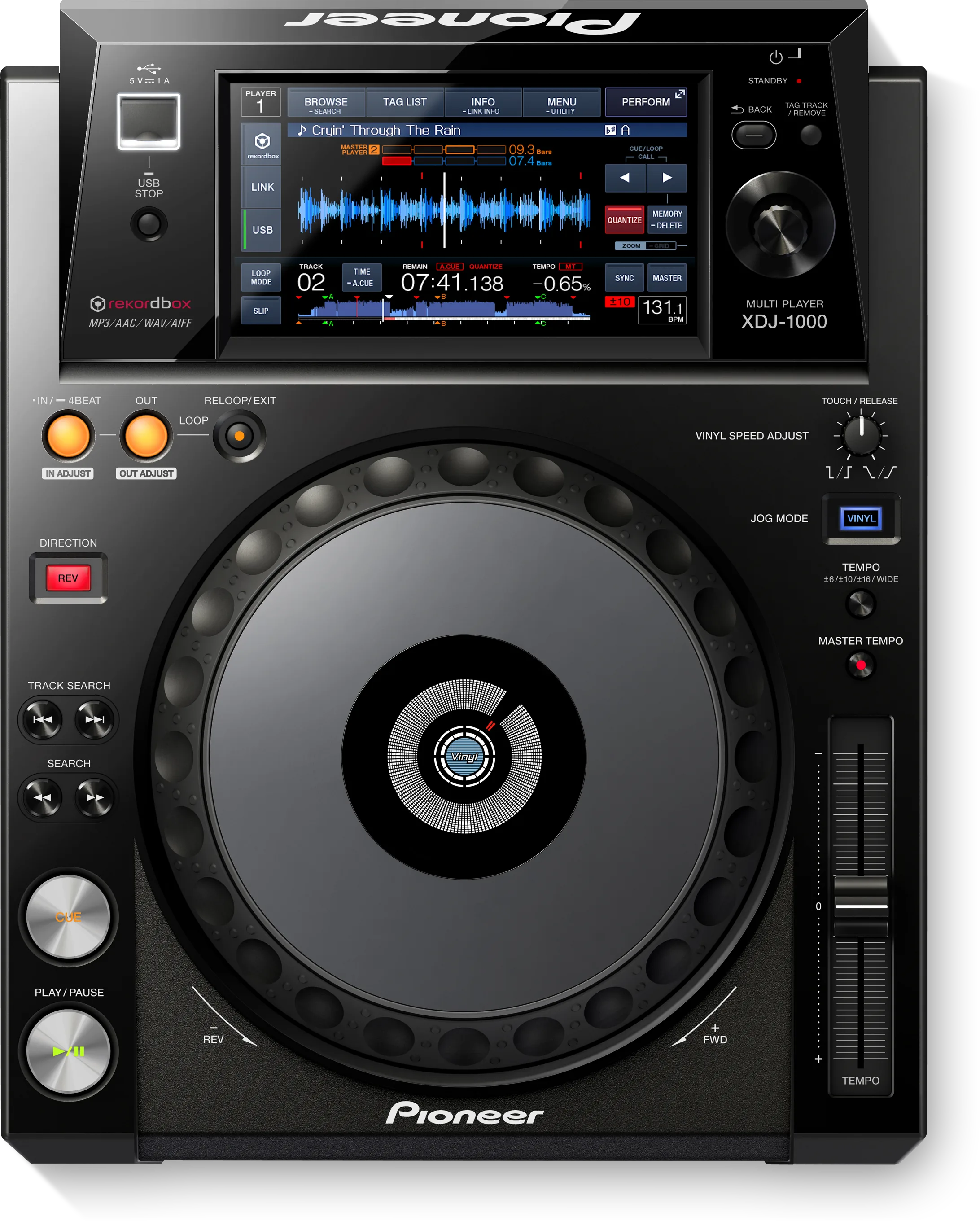
- Released
- 2014
- Width
- 30.5 cm · 12 in
- Depth
- 38.3 cm · 15.1 in
- Height
- 11 cm · 4.3 in
- Weight
- 3.3 kg · 7.3 lb
Know the deckbefore you pack
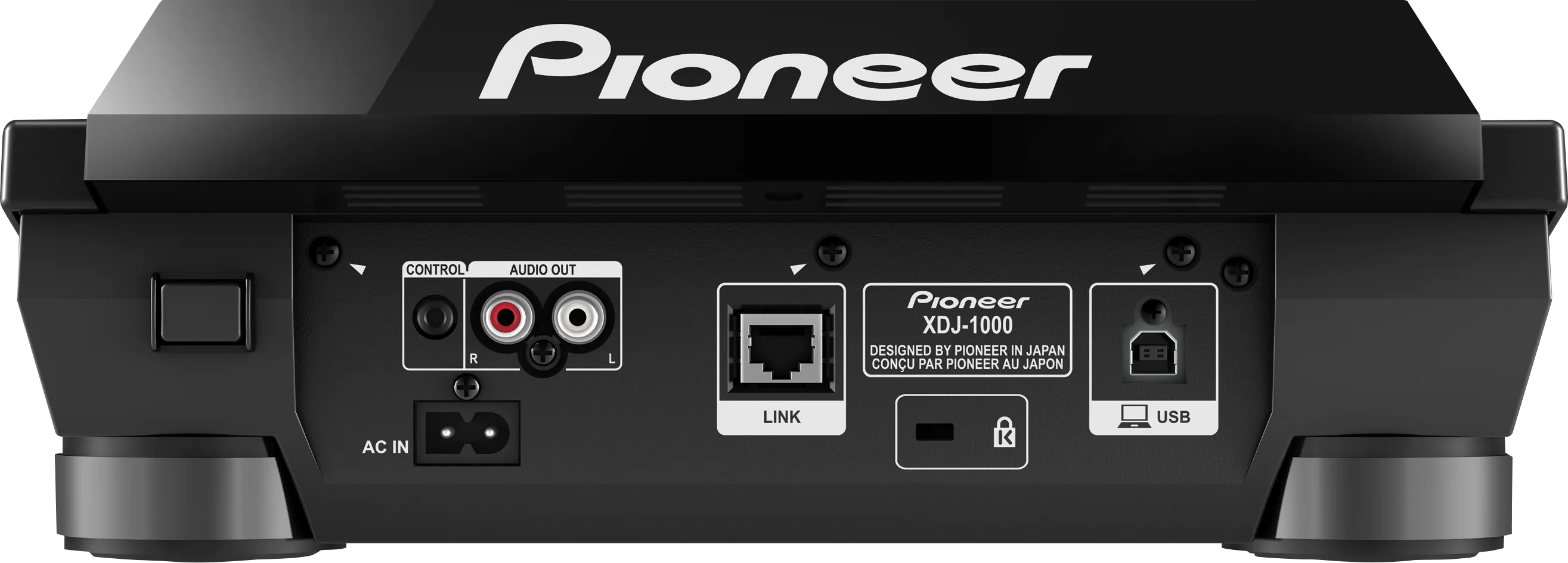
Connectionson the back
BAnalog audio outAUDIO OUT, left and right
CCONTROLMini jack, for fader start from a mixer
DLINKOne network socket (PRO DJ LINK)
EUSB to computerFor TRAKTOR PRO 3 and Serato DJ Pro
Five things that can affect your gig
1No exFAT. Format the stick FAT32 (or HFS+ on a Mac).
3Only the first partition is read. Use a stick with one partition.
4USB only. Bring two sticks with the same music: there is no second slot.
5Firmware below 1.10: LINK features drop next to a CDJ-2000NXS2 or XDJ-1000MK2.
Also good to know
Firmware1.13, October 2017, is the last version.
StandbyAUTO STANDBY is on from the factory.
LINKUp to four players. PLAYER No. on AUTO.
Based on the Save My Gig guide for this model and Pioneer DJ's own documents.