

BAR Plus, the field manual
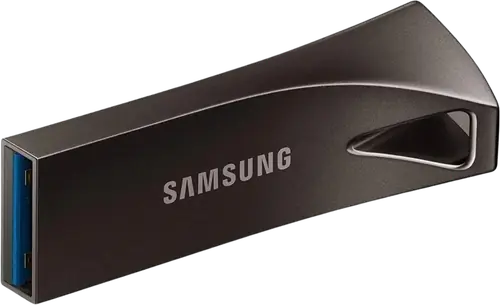
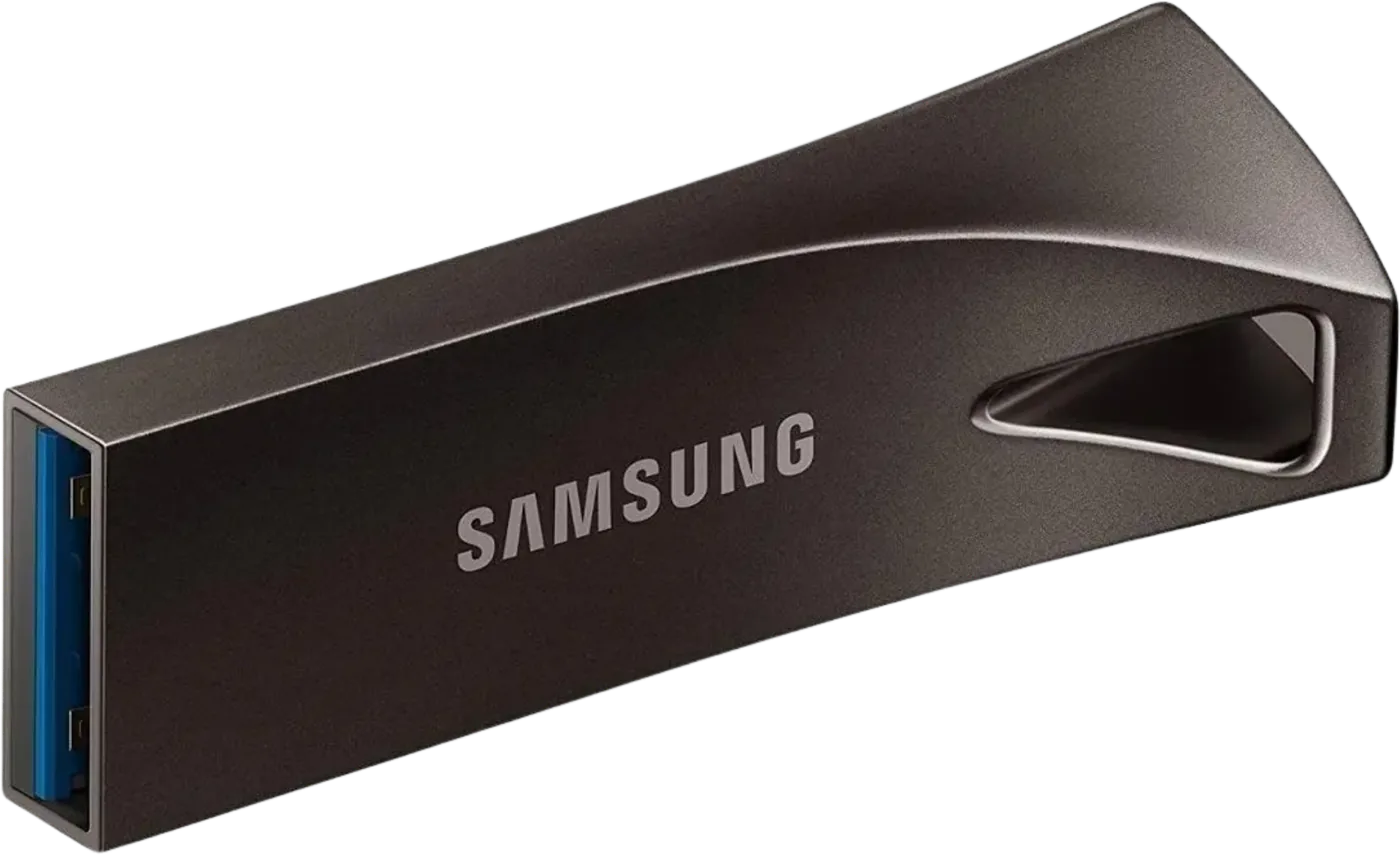
Booth briefing. The second most named stick in a DJ bag. The Samsung BAR Plus is a one-piece metal USB-A stick, rated by Samsung at up to 400 MB/s read and described on their page as waterproof, in 64, 128 and 256 GB. It comes up first in one DJ survey and near the top of every other, one place behind the SanDisk Extreme PRO. A gig stick needs exactly three things, a USB-A plug, a body that survives a keyring, and a read speed above what a player asks for, and the BAR Plus has all three. What Samsung do not publish is a write speed, a warranty or an operating range, so this page does not either.
Fast Lane
The five things that decide your gig
The five things about the BAR Plus that change what happens next, if you are reading this in the booth. All five are explained in full further down this page.
USB-A, one piece, no cap. Nothing to lose and nothing to forget.
400 MB/s read is more than any player will ask.
A player reads a stick at the player’s own USB speed, and a set never needs a fraction of 400 MB/s. The number matters for how fast the export finishes at home.
Samsung publish no write speed.
So the export time is the one thing about this stick you learn by doing it. Do it at home the first time, not the afternoon of the gig.
The file system decides the gig, not the stick.
What a new BAR Plus is formatted as is a choice for computers. Format it to what your players read, from the USB matrix, before the first export.
No player maker names it.
A DJ on the Pioneer DJ forum calls it fantastic; the staff answer in that thread names two other sticks. Test it on a player before it plays anywhere that matters.
If something goes wrong
The player does not read the stick
Short answer. Three things decide this before the BAR Plus itself does: the file system it is formatted in (the matrix says what each player reads), the library format you exported (OneLibrary or Device Library), and on an Engine OS unit the partition style (MBR). A stick that slides in and shows an empty browse screen is almost never a broken stick.
When it is the stick. A stick that worked last week and shows nothing this week, on a player that reads your other stick, has usually started to fail. Play from the other one. Connecting a stick to a player never deletes what is on it, so nothing is lost by trying.
Avoid it next time. Export to two sticks, test both on a player, and retire a gig stick on a schedule rather than after a failure.
Compatibility
What the maker names, and what the player makers do not
Short answer. Samsung state the BAR Plus works with the USB-A port of any computer; Samsung’s page names no operating system. On the Pioneer DJ forum thread about drives for the CDJ-3000, a DJ describes the BAR Plus as fantastic with quick syncing; the staff answer in that thread names the SanDisk Extreme PRO and the Corsair Voyager GTX, not the BAR Plus.
What decides it instead. The file system and the library format, both of which are per player and both of which are on the USB compatibility matrix. A drive the maker says is compatible with macOS is a drive macOS can format; it is not a statement about any player.
The connector question. USB Type-A, the connector every CDJ and most XDJs have. No cable, no adapter, nothing to forget.
Features explained
Capacity, speed and connectors
- Interface
- USB 3.1 (USB 3.2 Gen 1, 5 Gbps)
- Capacities
- 64 GB, 128 GB, 256 GB
- Sequential read
- up to 400 MB/s
- Sequential write
- not published by Samsung
- Connector
- USB Type-A
- Durability
- waterproof, metal body, per Samsung’s page
Samsung’s page for the BAR Plus publishes the read speed and nothing about write speed, warranty or operating temperature. This site does not fill those gaps.
Professional tips
Decisions to make before the stick goes on the keyring
Buy two, and make them the same. Two BAR Plus sticks with the same export beat one bigger stick. How big a gig stick needs to be is smaller than most DJs think, and the second one costs nothing on the day you need it.
Format it yourself before the first gig. What it ships formatted as is a choice for computers. Format it to what your players read, export, and test it on a player at home.
One job. A gig stick that also carries documents, photos and the last set's recording is a gig stick that gets pulled out of a laptop without ejecting. Keep it for music and eject it every time.
Retire it on a date, not on a failure. Flash memory wears. A stick that has done a year of weekly exports has earned its replacement before it earns a blank screen.
Firmware, drivers and manuals
Where the maker keeps the rest
Frequently asked questions
Quick answers
- Is the BAR Plus fast enough for a CDJ?
- Yes. Samsung rate it at up to 400 MB/s read, and a player reads any stick at the player’s own USB speed, which is far below that.
- What capacities does it come in?
- 64 GB, 128 GB and 256 GB, per Samsung’s product page.
- Is it waterproof?
- Samsung describe it as waterproof on the product page. They publish no rating number, so this page does not either.
- Is it recommended by Pioneer DJ?
- Not by staff. On the Pioneer DJ forum a DJ praises it; the staff answer names the SanDisk Extreme PRO and the Corsair Voyager GTX.
Related products
Playing soon and it is not working?
Start Emergency ModeKeep the Emergency Card
We will email you the printable PDF so it is on your phone before the next dark booth. Occasional notes that save gigs. No spam, unsubscribe in one click.
Registering is free and counts everywhere on Save My Gig. We send a confirmation email first. Your address is stored with Brevo, our email provider. Unsubscribe any time. Privacy
Sources: Samsung’s BAR Plus product page and the Pioneer DJ forum thread on CDJ-3000 drives, read 19 September 2026. Specifications theirs, priorities ours.